Article Overview
How to Choose a Projector Under $5001. Start With the Room, Not the Projector2. Look for Native Resolution3. Don't Judge Brightness by the Biggest Number4. Contrast Matters More Than You Might Expect5. Consider the Streaming Experience6. Check How Easy It Is to Set Up7. Think About Gaming Separately8. Consider the Screen Size You Actually Need9. Look at the Whole Package, Not One Specification4. 4K Resolution5. HDR6. ALR ScreenThe 6 Best Projectors Under $500Final Verdict: Which Projector Should You Buy?FAQBest Bedroom Projectors in 2026Common Mistakes to AvoidHow to Set Up Your Bedroom ProjectorFinal ThoughtsButtonPrime Day Special
Ends at July 18

Aurora Pro MKII
Next-Level 4K Tri-Color Laser Projector
$2699 $3499
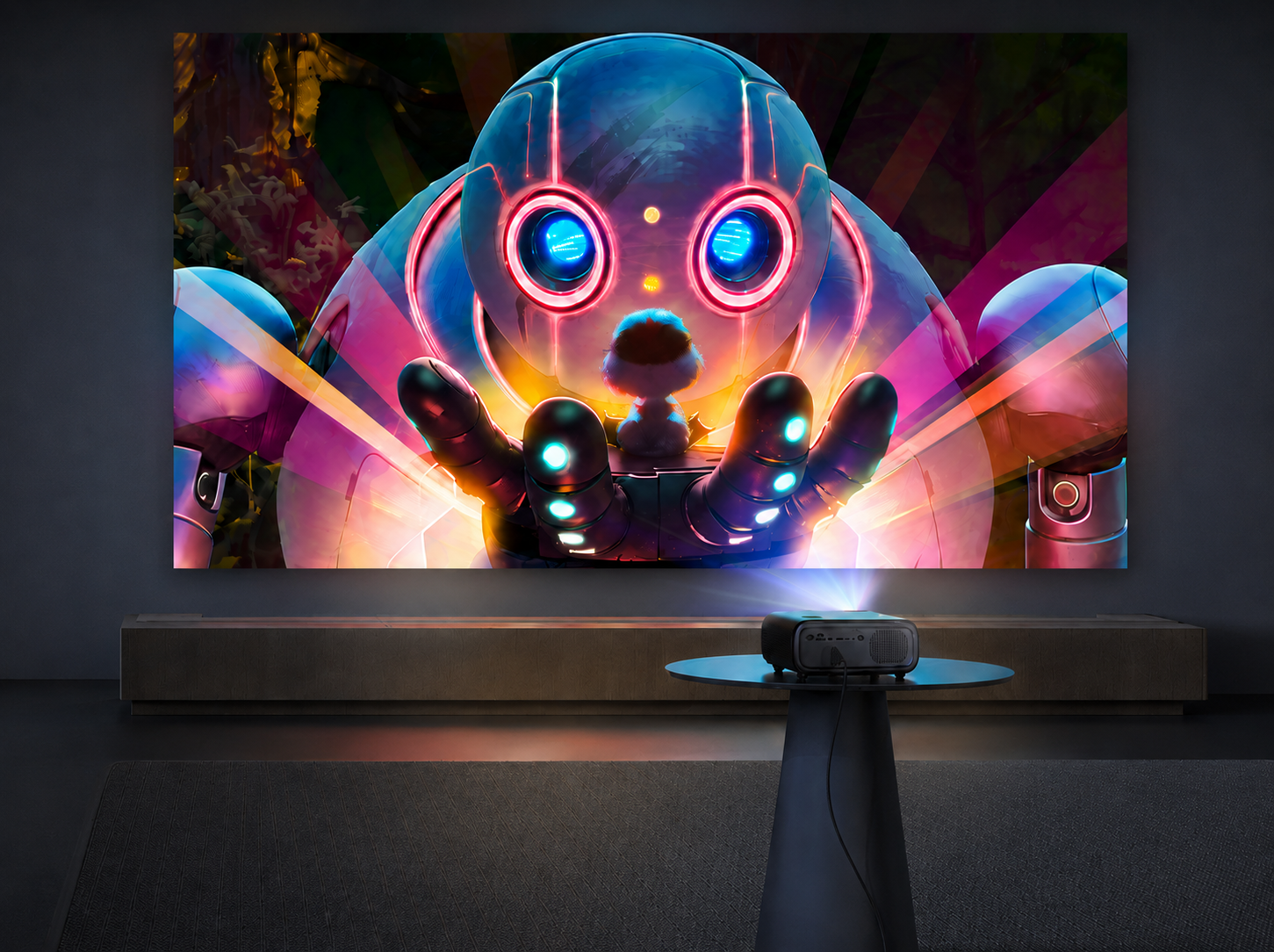
Best Projector Under $500 in 2026: 6 Top Picks for Movies, Gaming & More
NexiGo | Aug 14, 2026
If you're looking for a big-screen experience without spending a fortune, a projector under $500 is an excellent investment.
Today's budget projectors can offer native 1080p resolution, built-in streaming platforms, automatic image adjustment, and features that make them much easier to use than older entry-level models. But not every projector is designed for the same type of viewing.
Some are built for bright living rooms. Others prioritize portability, gaming responsiveness, or low-cost home entertainment.
So, what's the best projector under $500 in 2026?
There isn't one answer for everyone. The right choice depends on your room, lighting, screen size, and what you plan to watch.
In this guide, we'll first break down the features that are important when shopping in this price range, then compare six projectors that stand out for different reasons.
Quick Answer: Our Top Picks
If you're searching for a projector for everyday home entertainment, a native 1080p model with good contrast, convenient streaming, and easy setup is a great place to start.
Among the models we compared, the NexiGo PJ40 Pro offers a particularly well-rounded combination of picture quality, smart features, audio, and gaming capability at $349.99, making it a strong fit for bedrooms, apartments, and everyday movie nights.
But your priorities may lead you to a different choice:
| Category | Recommendation |
|---|---|
| Best Overall for Home Entertainment | NexiGo PJ40 Pro |
| Best for Bright Rooms | Epson EpiqVision Flex CO-FH02 |
| Best Budget Value | Wanbo X5 Pro |
| Best for Casual Gaming | Anker Nebula P1i |
| Best Ultra-Portable | XGIMI MoGo 2 |
| Best Entry-Level Option | Aurzen EAZZE D1 |
How to Choose a Projector Under $500
Shopping for a projector under $500 can be surprisingly complicated.
Two projectors can have similar prices and both advertise 1080p support, yet produce very different results once you use them in a room.
This is because projector performance depends on much more than a single specification.
Before choosing a model, think about where you'll use it, what you'll watch, and which features matter most to you.
1. Start With the Room, Not the Projector
The room where you'll use your projector should have a major influence on your purchase.
A projector used in a dark bedroom has very different requirements from one used in a bright living room.
In a dark or dimly lit room, you can pay more attention to:
- Contrast
- Black levels
- Color performance
- HDR performance
- Overall image quality
However, even in a dark room, a projector that’s too bright can make some images appear too harsh, causing eye strain and making your viewing experience less comfortable. That’s why the brightest projector isn't automatically the best choice.
But if you plan to watch during the daytime or with the lights on, brightness becomes more important. Ambient light can wash out dark scenes and reduce perceived contrast, even when the projector itself produces a good image.
A projector with enough brightness for your room and stronger contrast may produce a more convincing image than a brighter model with weaker overall picture quality.
A Simple Rule of Thumb
| Viewing Environment | What to Prioritize |
|---|---|
| Dark bedroom or home theater | Contrast + picture quality |
| Dim living room | Balanced brightness + contrast |
| Bright living room | Higher brightness |
| Outdoor movie night | Brightness + portability |
| Gaming room | Input lag + image quality |
As you search for the right projector, remember that the goal should be finding one that fits best your environment, balancing brightness with factors like color contrast and picture quality.
2. Look for Native Resolution
Resolution refers to the number of pixels used to create an image. A higher resolution indicates a greater number of pixels used, resulting in a clearer image.
For a projector under $500, native 1080p is a good starting point if you're using it to play games or watch movies, TV shows, and sports.
This is because a native 1080p projector displays 1920 × 1080 pixels directly, providing more detail than a 720p projector, especially when you're projecting an image at 80, 100, or 120 inches.
You'll also encounter projectors that advertise support for 1080p or 4K input without having a native 1080p or 4K display chip. While these specifications may not be misleading, it doesn’t mean the projector is displaying that resolution natively.
For this price range, we recommend prioritizing native resolution over input compatibility.
Nevertheless, a 720p projector can also be a good purchase. Models such as the XGIMI MoGo 2 trade resolution for a smaller, more portable design, which may be more beneficial for some than a high resolution. What’s important to keep in mind is understanding what you're giving up and what you're getting in return.
3. Don't Judge Brightness by the Biggest Number
Brightness is one of the most misunderstood projector specifications.
Different manufacturers may use different measurement methods, so advertised numbers don't always provide a straightforward basis for comparison. Even when projectors use standardized brightness measurements, the final image can look very different depending on contrast, screen size, room lighting, and picture settings.
For most home users, the better question isn't:
"Which projector has the most lumens?"
Instead, they should ask:
"Is it bright enough for my room and screen size?"
A projector that looks excellent on a 100-inch screen in a dark room may look much less impressive at the same size in a bright living room.
This is also why brightness shouldn't be evaluated separately from screen size.
If the same amount of light is spread over a larger image, the image becomes dimmer. Because of this, a projector that works well at 100 inches may need a darker room or a higher-gain screen when pushed to 120 inches or larger.
For more on how brightness, contrast, screen size, and ambient light work together, see our guide Projector Brightness Explained: What Really Makes a Projector Look Bright?
4. Contrast Matters More Than You Might Expect
Although brightness gets most of the attention on projector spec sheets, contrast has a major impact on how an image actually looks.
Good contrast helps separate dark areas from bright areas, giving movies more depth and making nighttime scenes easier to see. This becomes especially important in bedrooms, basements, dedicated theaters, and other rooms where you can control the lighting.
This is why, for movie-focused buyers, we don’t recommend choosing a projector based on brightness alone, since a balanced projector with good contrast can produce a more satisfying viewing experience than the brightest one.
5. Consider the Streaming Experience
A projector can have excellent image quality and still be frustrating to use if streaming requires multiple external devices.
That’s why built-in smart TV platforms can make a huge difference in everyday convenience. Being able to turn on the projector and start watching without connecting another device can simplify the set-up process and improve the moviegoing experience.
When comparing smart projectors, look for:
- Direct access to the streaming services you use
- A responsive interface
- Easy Wi-Fi setup
- Voice search
- A reliable remote
- Minimal dependence on external streaming devices
The NexiGo PJ40 Pro, for example, uses licensed Google TV, while the Epson CO-FH02 includes an Android TV streaming solution. The specific platform matters less than whether it gives you the apps and convenience you actually need.
6. Check How Easy It Is to Set Up
Projector placement isn't always perfect.
On the one hand, optical performance and placement flexibility is important for a permanent projector installation. On the other hand, convenience may be more significant for a bedroom or portable setup.
When it comes to convenience, automatic setup features become useful when you need to move your projector, adjust its height, or change its distance from the wall or screen.
Depending on the model, some features you may find include:
- Auto Focus
- Auto Keystone Correction
- Automatic Screen Alignment
- Obstacle Avoidance
- Automatic Image Adjustment
Not every projector needs all of these features. But if you're going to move your projector regularly, convenient setup features can go a long way when you want to make the process more seamless.
7. Think About Gaming Separately
If gaming is one of your main reasons for buying a projector, don't evaluate it exactly like a movie projector.
When it comes to fast-paced games, input lag is especially important, as it will help you maintain precise timing by decreasing the delay between pressing a key and seeing the action on screen.
Casual players may be satisfied with a projector that offers a responsive 60Hz gaming experience. Competitive gamers, however, should pay closer attention to input latency, supported resolutions, and refresh rates.
It's also worth considering the type of games you play.
For single-player games, RPGs, sports games, and casual Nintendo Switch gaming, a responsive 1080p/60Hz projector can be more than adequate.
If you're looking for a competitive gaming display with higher refresh rates, a sub-$500 projector may not be the ideal category to shop in. For more detailed guidance on choosing the right gaming projector, see our guide: Best Gaming Projectors for 2026: How to Choose + Top Picks for Every Budget
8. Consider the Screen Size You Actually Need
Bigger isn't automatically better.
As the projected image gets larger, the same amount of light is spread across a greater surface area, reducing perceived brightness.
For many bedrooms and living rooms, 80–100 inches is a practical starting point. If your projector and room provide enough light control, moving toward 100–120 inches can create a more immersive movie experience.
But don't choose a screen size first and assume every projector will handle it equally well.
A projector that performs well at 100 inches in a dark room may struggle to maintain the same visual impact at 120 or 150 inches in a room with ambient light.
9. Look at the Whole Package, Not One Specification
Ultimately, the best projector under $500 isn't necessarily the one with the highest brightness, the lowest price, or the longest feature list.
A good budget projector should balance:
- Image quality for the content you watch
- Brightness for your room
- Native resolution for image detail
- Contrast for depth and dark scenes
- Smart features for convenient streaming
- Setup features for everyday usability
- Gaming performance if gaming matters to you
- Price relative to the overall experience
That's the approach we used when comparing the projectors below.
Rather than ranking every model by one specification, we looked at what each projector does particularly well and which type of buyer it makes the most sense for.
The 6 Best Projectors Under $500
1. NexiGo PJ40 Pro
Best Overall for Home Entertainment
Price: $349.99
The NexiGo PJ40 Pro is one of the more balanced options in this price range.
It combines native 1080p resolution with strong contrast, built-in Google TV, 20W audio, and low input lag, covering many of the features that matter for everyday home entertainment.
What makes the PJ40 Pro appealing isn't that it is the brightest, smallest, or most specialized projector on this list. Instead, it offers a solid combination of features without forcing buyers to make a major compromise in one particular area.
For movie nights, its native 1080p resolution and 3,000:1 native contrast are particularly relevant. In a darker room, contrast can have a noticeable effect on how much depth you see in shadows and darker scenes.
The built-in licensed Google TV platform also makes it easier to use as a standalone entertainment device, while its 20W speaker system with Dolby Audio provides more substantial built-in sound than many budget projectors.
For gaming, its approximately 10ms input latency gives it another useful role beyond movie watching.

NexiGo PJ40 Pro
The Ultimate Portable Sports Powerhouse
- Native 1080p resolution
- 3,000:1 native contrast ratio
- Built-in licensed Google TV
- Powerful 20W speaker system
- Ultra-low input latency (~10ms) ideal for gaming
Cons
- Better suited to dark or moderately lit rooms than very bright daytime environments
- Requires wall power
Best For
Movie lovers, casual and console gamers, bedrooms, apartments, and everyday home entertainment.
Our Take
The PJ40 Pro makes the most sense if you want one projector that can handle a little bit of everything.
It isn't the obvious choice for every situation. If you mainly watch during the daytime, a brighter projector may suit you better. If portability is your priority, a smaller model makes more sense.
But for someone looking for a reasonably priced projector for movies, streaming, and occasional gaming, the PJ40 Pro's balanced feature set makes it an easy model to consider.
2. Epson EpiqVision Flex CO-FH02
Best for Bright Rooms
Price: Around $499

If your living room gets significant daylight or you can't fully control the room lighting, brightness becomes one of the most important factors.
That's where the Epson EpiqVision Flex CO-FH02 stands out.
The CO-FH02 uses 3LCD technology and is rated at up to 3,000 lumens, making it better suited for bright viewing environments than many budget home theater projectors. It also includes native 1080p resolution and Android TV streaming.
Key highlights include:
Pros
- Up to 3,000 lumens
- Native 1080p resolution
- 3LCD technology
- Better suited to daytime viewing
- Android TV streaming included
Cons
- Less focused on dark-room contrast
- 5W internal speaker
- Not the strongest choice for gaming
Best For
Bright living rooms, daytime sports, family rooms, and users who prioritize visibility in ambient light.
Our Take
The CO-FH02 is a good example of why there's no single "best" projector for every room.
If you frequently watch sports during the day or use your projector with the lights on, its brightness can be more useful than the stronger dark-room contrast offered by a movie-focused model.
For primarily nighttime movie watching, however, you may prefer to prioritize contrast and overall picture quality instead.
3. Wanbo X5 Pro
Best Budget Value
Price: Around $250

If your main goal is getting a large image without spending much, the Wanbo X5 Pro is worth considering.
It offers native 1080p resolution and automatic setup features at a price that keeps it comfortably below the $300 mark.
Pros
- Affordable price
- Native 1080p resolution
- Automatic focus and keystone features
- Compact design
Cons
- More modest overall picture performance
- Average contrast
- Built-in speakers aren't a major strength
- Interface may feel less refined than premium smart TV platforms
Best For
Budget-conscious shoppers who want a large screen for casual home entertainment.
Our Take
The X5 Pro is a reasonable option when price is a deciding factor, and you're primarily interested in casual movie nights or streaming.
If you can comfortably move toward the $300 range, however, stepping up to a more complete home entertainment projector can provide a noticeable improvement in overall convenience and performance.
4. Anker Nebula P1i
Best for Casual Gaming
Price: Around $399

For buyers who want a compact projector that can handle casual gaming, the Anker Nebula P1i is an excellent choice.
Its biggest advantage for gaming is very low input lag at 1080p/60Hz. RTINGS' 2026 testing found that games feel responsive in its 60Hz Game Mode, making it a practical option for casual console gaming.
The P1i also has a distinctive audio setup. Its speakers can flip outward from the sides of the projector, creating a wider soundstage and making the projector more useful as an all-in-one entertainment system.
Pros
- Very low input lag at 1080p/60Hz
- Native 1080p resolution
- Flip-out built-in speakers
- Google TV
- Automatic focus and keystone
- Compact, flexible design
Cons
- Relatively low brightness
- Weak dark-scene contrast
Best For
Nintendo Switch players, casual console gamers, and users who want gaming plus convenient built-in audio.
Our Take
Equipped with a high rate of responsiveness and portability, automatic setup features, and built-in sound, the Anker Nebula P1i is a terrific choice for casual gaming.
However, we would not recommend this projector if image quality for streaming were a top priority. RTINGS found that its low brightness, weak dark-scene contrast, and narrow color gamut limit its performance for movies.
Regardless, thanks to its low input lag and portable design, the P1i can help enhance your gaming experience.
5. XGIMI MoGo 2
Best Ultra-Portable Projector
Price: Around $399

If you’re looking for a projector you can take on the go, the XGIMI MoGo 2 is a top choice.
It weighs about 2.42 lb, measures just 6 x 4 x 5 in, and can be powered through a suitable USB-C power bank, making it convenient for moving between rooms or taking on trips.
It also comes equipped with various automated setup features and other qualities like HDR10 support, 400 ISO lumens, and dual 8W speakers.
The main trade-off is resolution, as the MoGo 2 uses a native 720p display, rather than native 1080p. Regardless, its compact size and portability are the main reasons to consider it.
Pros
- Extremely compact and lightweight
- Can work with a suitable USB-C power bank
- Automatic focus and screen adjustment
- Google TV
- Dual 8W speakers with Dolby Audio
Cons
- Native resolution is 720p
- Lower brightness than larger home projectors
- Best suited to darker environments
Best For
Frequent travelers, dorm rooms, camping trips, and flexible setups where portability matters more than maximum image detail.
Our Take
The MoGo 2 is a good example of why specifications should always be considered in context.
If native 1080p resolution is your priority, there are better choices on this list. But if you want something small enough to move easily and capable of running from a suitable power bank, the MoGo 2 may be the best option.
6. Aurzen EAZZE D1
Best Entry-Level Option
Price: Around $200

The Aurzen EAZZE D1 is aimed at buyers who want to spend as little as possible while still being able to attain Full HD projection.
It offers native 1080p resolution and a simple setup experience, making it suitable for casual viewing and secondary rooms.
Pros
- Affordable entry price
- Native 1080p resolution
- Simple setup
- Suitable for casual viewing
Cons
- Limited brightness
- Basic optical performance
- Built-in audio is relatively modest
Best For
First-time projector buyers, kids' rooms, secondary viewing spaces, and occasional movie nights.
Our Take
The EAZZE D1 makes sense if your budget is firmly around the $200 mark.
It's not designed to compete with more expensive home theater projectors, but it can be a reasonable way to try large-screen projection without making a major investment.
If you can spend closer to $300, however, a more capable all-around model may offer better long-term value.
Projector Comparison: Which One Should You Buy?
| Feature | NexiGo PJ40 Pro | Epson EpiqVision Flex CO-FH02 | Wanbo X5 Pro | Anker Nebula P1i | XGIMI MoGo 2 | Aurzen EAZZE D1 |
|---|---|---|---|---|---|---|
| Best For | Best Overall | Bright Rooms | Budget Value | Casual Gaming | Portability | Entry-Level |
| Price (MSRP) | $349.99 | ~$499.00 | ~$249.99 | ~$399.99 | ~$399.99 | ~$199.99 |
| Display Tech | LCD | 3LCD | LCD | LCD | DLP | LCD |
| Native Resolution | Native 1080p | Native 1080p | Native 1080p | Native 1080p | 720p (1080p input) | Native 1080p |
| Brightness | 800 ANSI Lumens | 3,000 ISO Lumens | 1100 ANSI* | 380 ANSI Lumens | 400 ISO Lumens | 200 ANSI Lumens |
| Contrast Ratio | 3,000:1 Native | Not Specified | Not Specified | Not Specified | Not Specified | Not Specified |
| Smart System | Google TV (Licensed) | Android TV (Dongle) | GGoogle TV (Dongle)oogle TV (Dongle) | Google TV | Google TV | Custom OS |
| Audio Output | 20W Speaker | 5W Speaker | 2x 5W Speakers | 2x 10W Speakers | 2x 8W Speakers | 2x 8W Speakers |
| Gaming Latency | ~10ms | High | Moderate | Low | Moderate | High |
| Auto Setup | Auto Vertical Keystone | Auto Vertical Keystone | Focus & Keystone | Focus & Keystone | ISA 2.0 Auto Setup | Focus & Keystone |
*Independent testing by professional reviewers reveals a real-world brightness ranging from 200 to 500 ANSI lumens.
Final Verdict: Which Projector Should You Buy?
There's no single projector under $500 that's perfect for every situation.
If daytime brightness is your biggest concern, the Epson CO-FH02 makes more sense. If portability matters most, the XGIMI MoGo 2 is easier to take on the go. For casual gaming, the Anker Nebula P1i offers particularly low input lag at 1080p/60Hz. And if keeping the price as low as possible is the priority, the Wanbo X5 Pro and Aurzen EAZZE D1 are worth considering.
For buyers who want one projector to handle movies, streaming, casual gaming, and everyday home entertainment, the NexiGo PJ40 Pro is a fitting option in this price range.
Its native 1080p resolution, 3,000:1 native contrast, licensed Google TV, 20W audio, and approximately 10ms input latency give it a broad range of uses without requiring you to spend a fortune.
What’s important to remember is that the PJ40’s strengths match the way many individuals use projectors: watching movies at night, streaming shows, occasionally gaming, and enjoying a much larger screen without building a complicated home theater system.
The best projector under $500 isn't necessarily the best at everything. It's the one whose strengths match the way you actually plan to use it.
Frequently Asked Questions
FAQ
Like what we do? Stay tuned for more.
Whether you work at home or in the office, NexiGo provides a wide range of quality and affordable technology to elevate your daily life. Our products encompass everything from webcams and portable monitors to projectors and gaming accessories.
Articles we think you'll love