

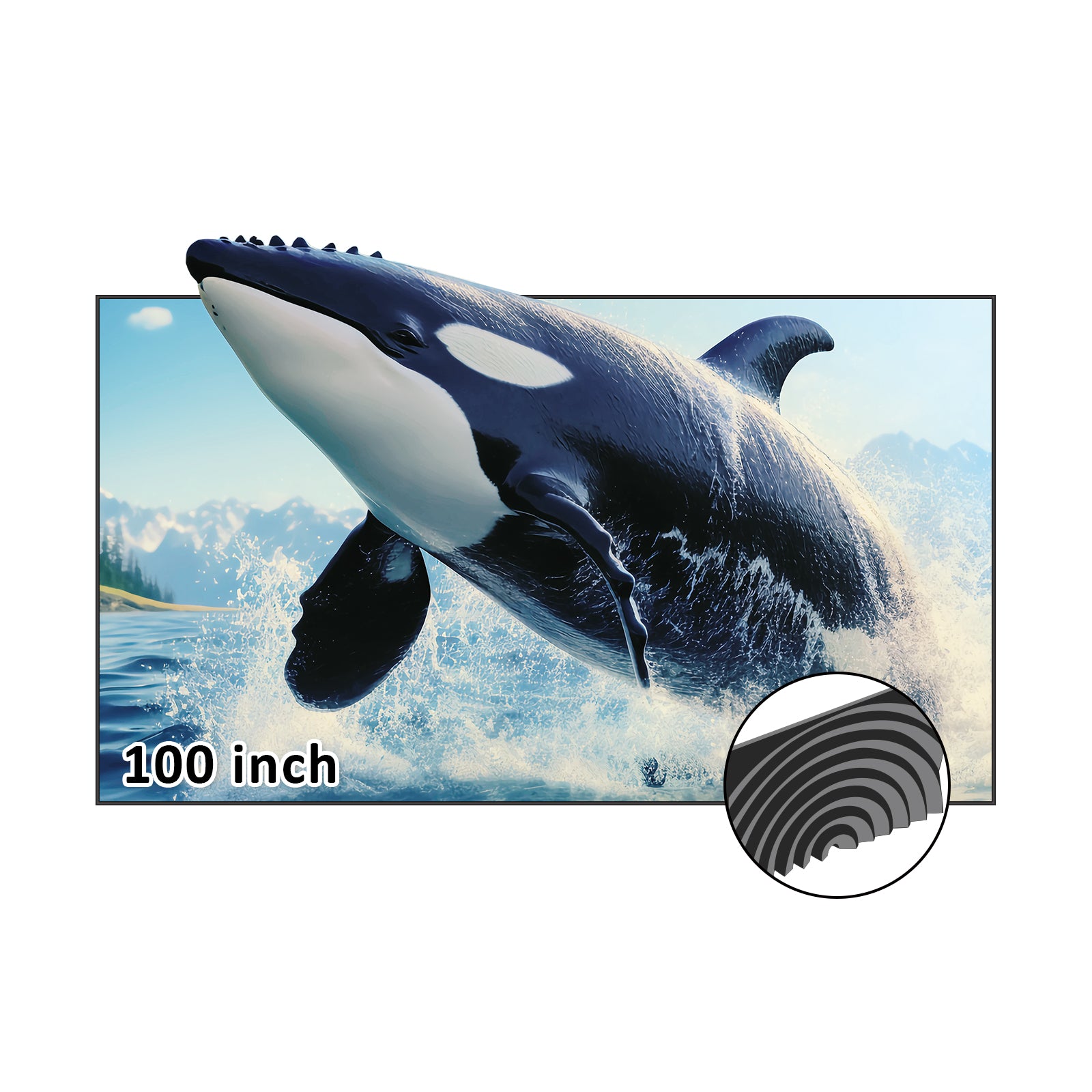
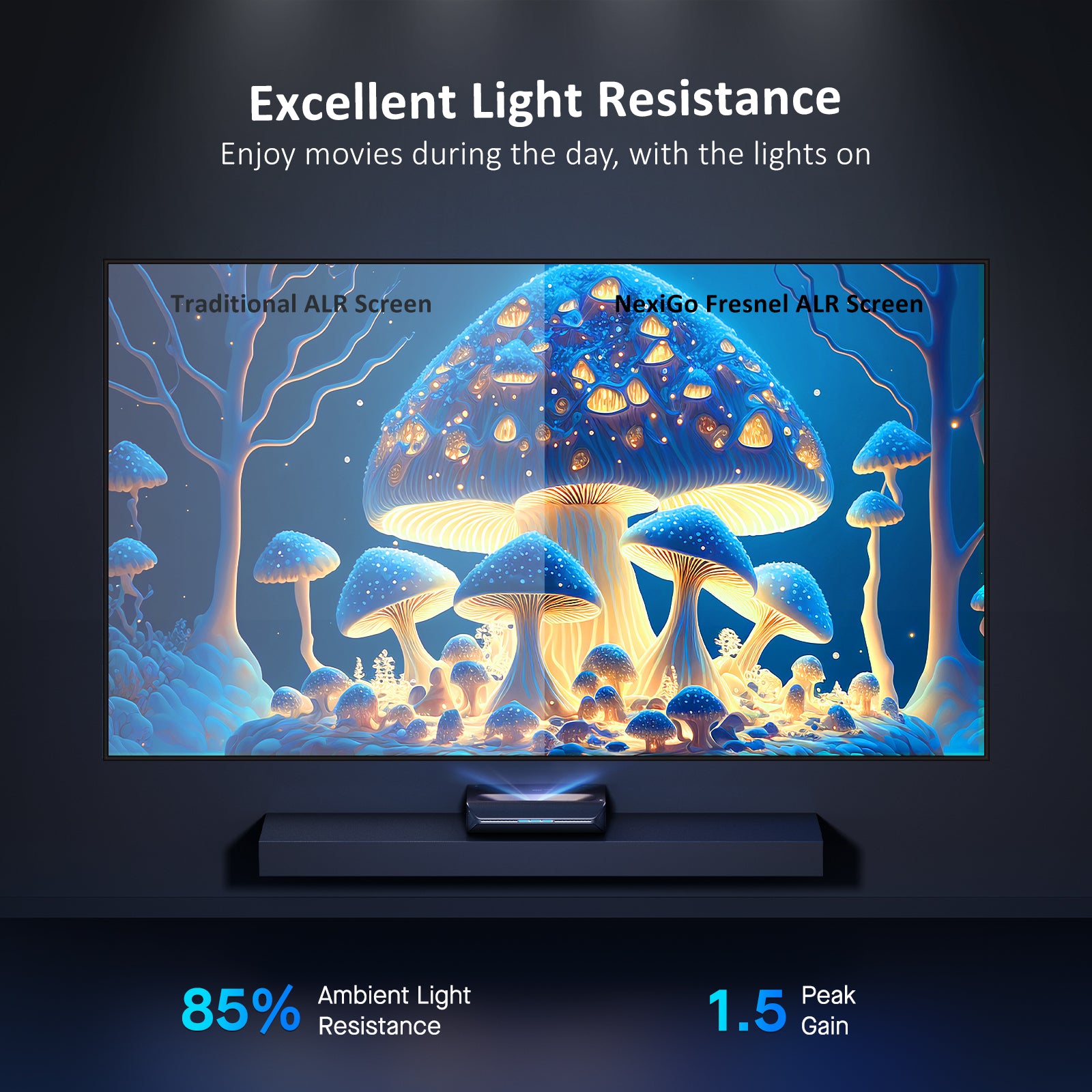


Day or night, the picture remains crystal clear. Start your home theater journey anytime.


Experience brilliant, sharp, and vivid visuals from every corner of the room, thanks to the 150° expansive viewing angle. Whether it's movies or photos, clarity knows no bounds.
Chapters:
0:00 - Intro
0:06 - Items and instructions
0:20 - Step by step instructions
2:40 - Mounting the screen
3:14 - Outro
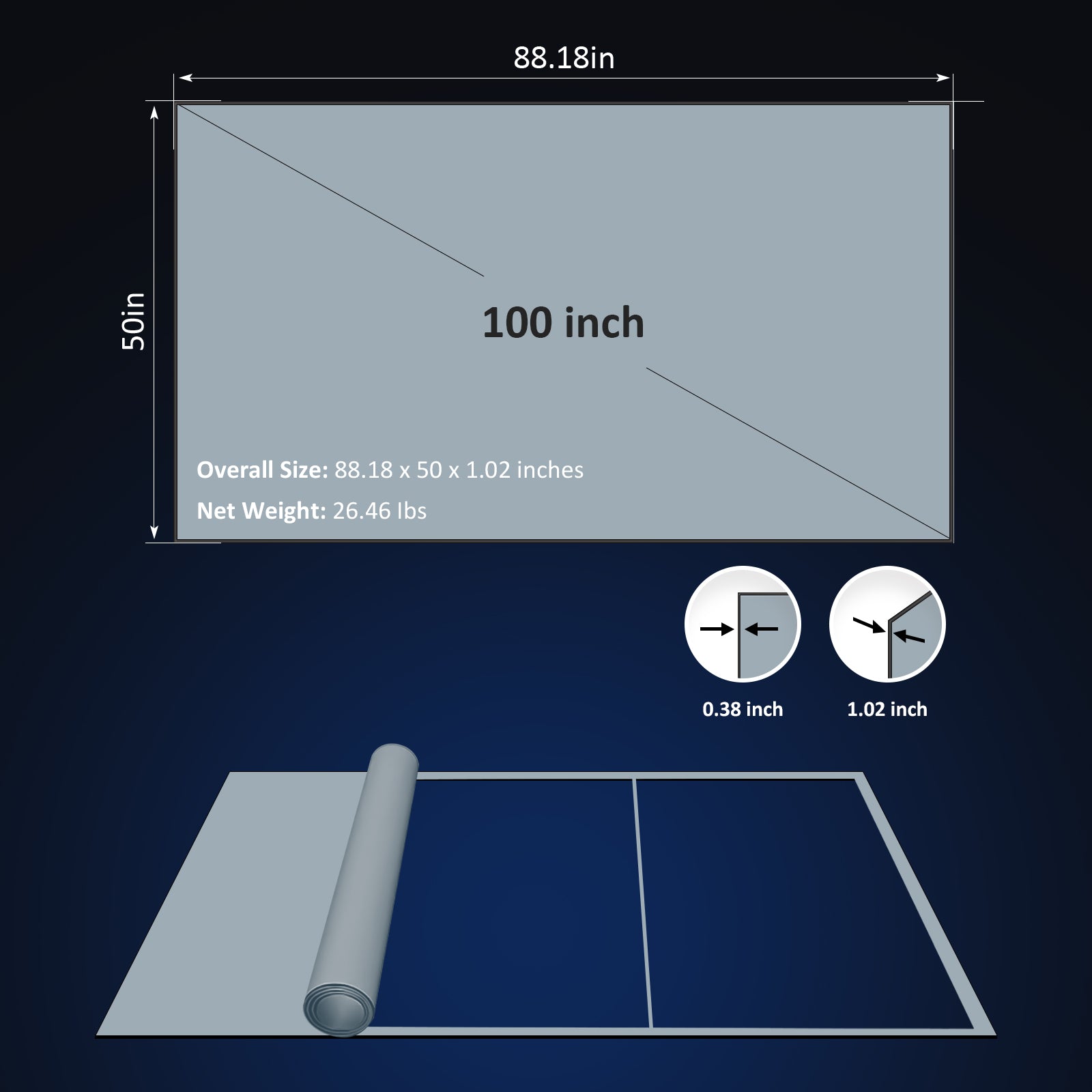
Our Fresnel ALR screen for UST projectors is made of soft fabric, making it easy to carry into the lift.
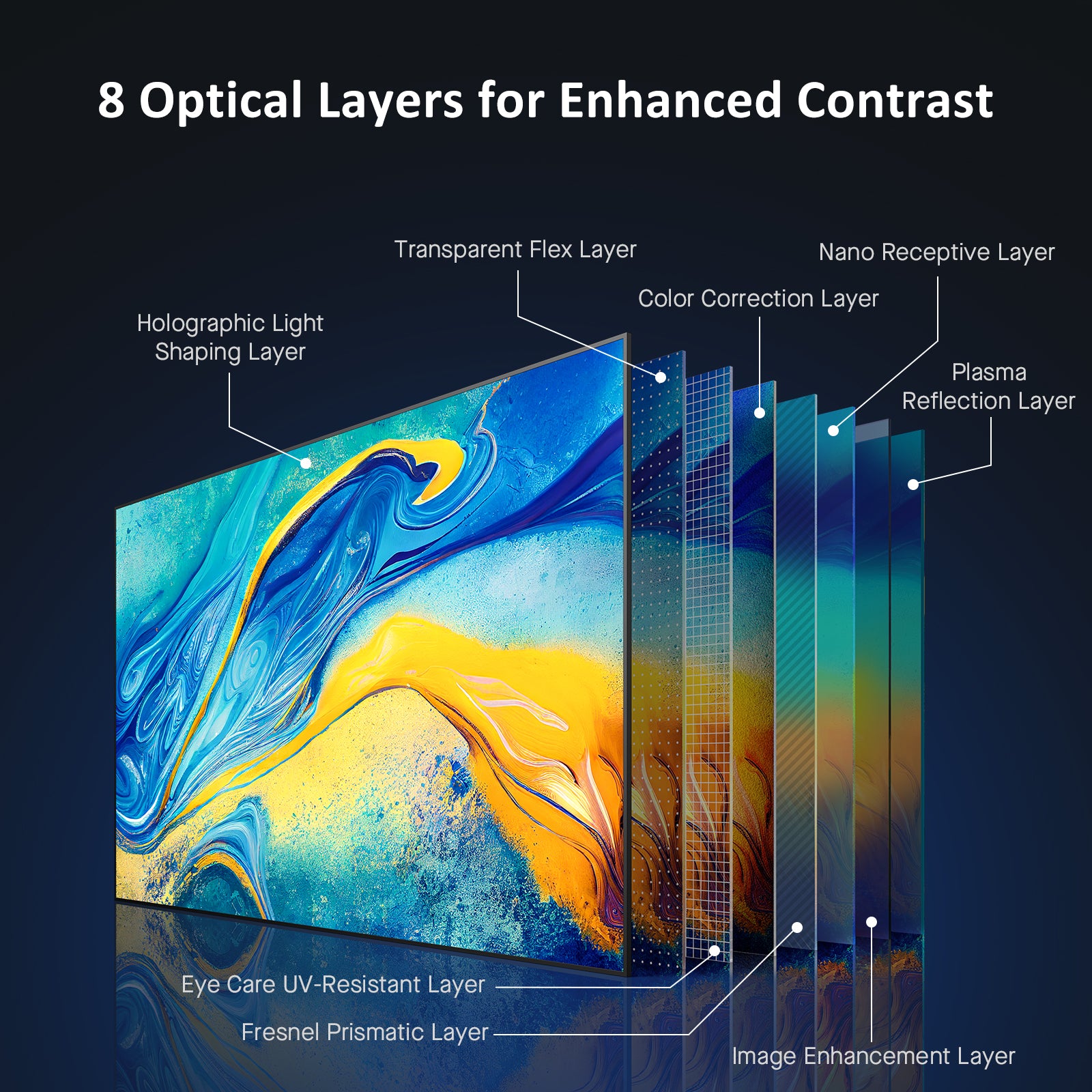
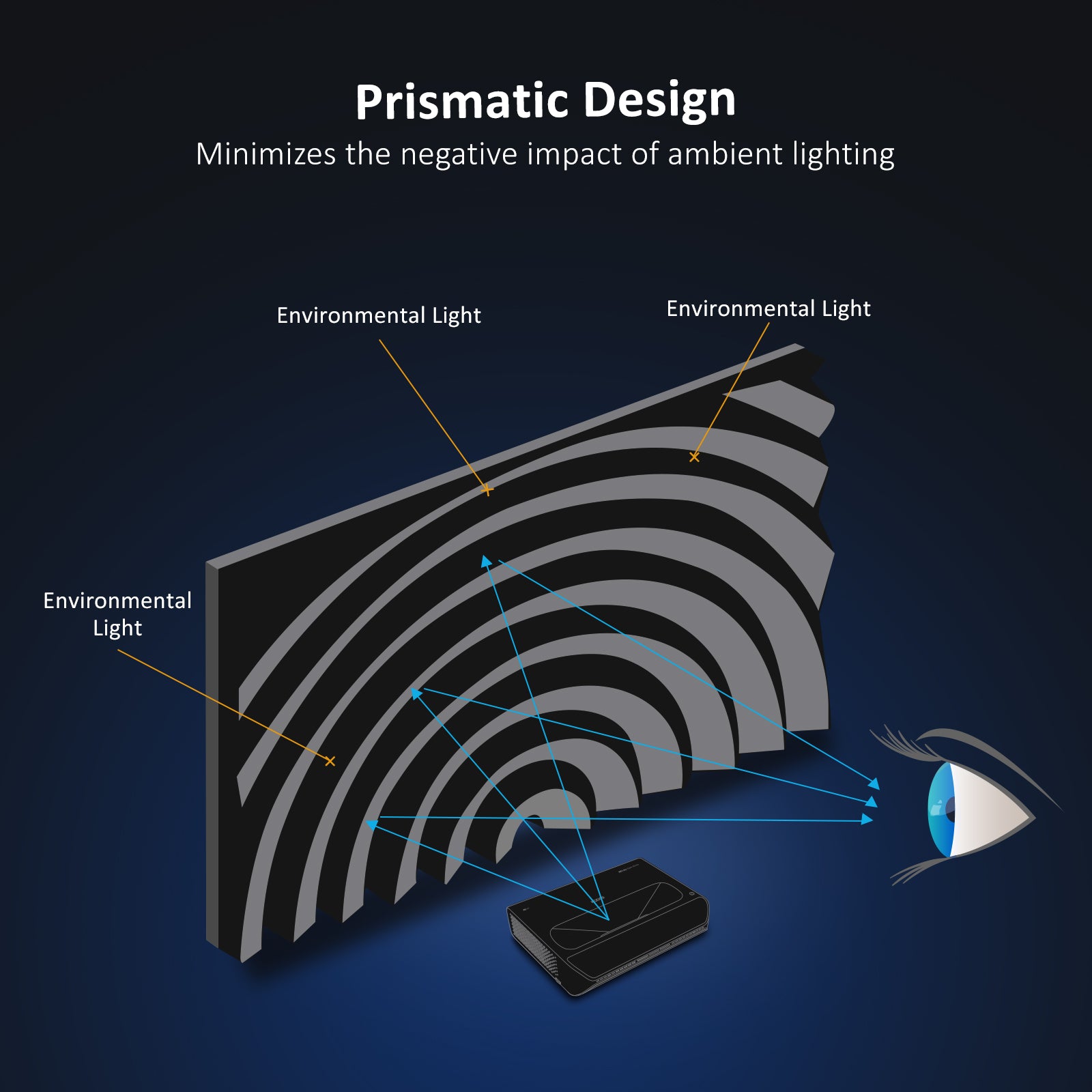
Our implementation of the Fresnel lens structure and the 8-layer optical structure filters work together to improve both brightness and contrast, effectively mitigating the negative impact of ambient light. This makes it an ideal choice for living rooms that are exposed to bright lighting conditions.
| Item | Warranty Period (Months) |
|---|---|
| Webcams | 12 |
| Projectors | NexiGo Projectors Warranty Policy |
| Projector Screens | NexiGo Projector Screens Warranty Policy |
| Dash Cams | 12 |
| Earbuds | 12 |
| Portable Monitors | 12 |
| Power Banks | 12 |
| Smart Lights | 12 |
| Webcam Accessories | 12 |
| Gaming Accessories | 12 |

Power Switch: Toggles power on and off.
Mute: Toggles audio on and off.
Left / Right / Up / Down: Navigates through the on-screen display.
OK: Selects the current option.
Menu (Short Press): Displays the menu.
Input Source (Long Press): Displays the source selection bar.
Return: Returns to the previous screen.
Home: Returns to the home page.
Vol +: Increases the volume level.
Vol -: Decreases the volume level.
Unless you have issues with the camera, we don't recommend any firmware updates. If you are not sure about if updates are needed, please contact our customer support cs@nexigo.com.

Image Sensor
1/1.8" Sony® STARVIS 2 back-illuminated sensor
Resolution
(USB 3.0 Output)
MJPEG/H.264
3840 x 2160@30/25/20/15/10/5fps,
1920 x 1080@60/30/25/20/15/10/5fps,
1280 x 720@60/50/30/25/20/15/10/5fps, etc.
YUY2/NV12
1920 x 1080@60/50/30/25/20/15/10/5fps,
1280 x 720@60/50/30/25/20/15/10/5fps, etc.
Resolution
(HDMI Output)
30fps mode
3840 x 2160fps@30/25fps, 1920 x 1080@30/25fps
60fps mode
1920 x 1080@60/50fps, 1280 x 720@60/50fps
Lens
9-layer glass lens, f/2.2 aperture, 4.2 mm focal length
Field of View
D=90°/H=81°/V=55°
Focus Type
Fixed Focus
Focus Range
10" - 90" (0.25m - 2.28m)
Digital Zoom
Up to 10x digital zoom at 4K@30fps
Facial Enhancement
Support
Microphone
Dual noise reduction mics
Mic Pickup Range
Within 32.8ft (10m)
Video Output Port
1 x USB-B, 1 x HDMI
Software
Works with Zoom, Microsoft Teams, Skype for Business, Slack, Webex, and many more
Operating System
Windows 7 (Supports 1080p or lower),
Windows 8.1/10/11 or above
macOS 10.10 or above
Hardware
CPU: 2.4 GHz Intel Core 2 Duo processor or better
RAM: 2 GB or more
USB: USB 2.0, USB 3.0(Recommended)
Display Technology
LCD
Resolution
1920 x 1080
Light Source
LED
Brightness
700 ANSI Lumens
Max Supported Resolution
4096 x 2176 (Local video playback)
Focusing Mode
Manual operation
Throw Ratio
1.47:1
Focus
Manual operation
Projection Distance
4.72 - 30.18ft
Projection Size
50" to 300"
Keystone Correction
Auto vertical/Manual horizontal
Projection Method
Front, Rear, Front Ceiling, Rear Ceiling
Bluetooth
5.1
Wi-Fi
2.4 GHz / 5 GHz
Speakers
2 x 10W Speakers
Power Consumption
160W
Input
AC 90-260V
HDMI
2 x HDMI
USB
2 x USB
Video In
1 x AV 3.5 (3.5mm)
Audio Out
1 x Line out
LAN Port
1 x RJ45
Dimensions
11.3 x 10.79 x 4.8 inches (287 x 274 x 122mm)
Weight
6.24 LBS (2.83 KG)
Storage Temperature
-4°F-131°F (-20°C-55°C)
Working Temperature
32°F-104°F (0°C-40°C)
Operating Humidity
30%~85%
The volume is relative to your distance from the projector. For example, when you're 1.6 feet away from the projector, the volume is 39 decibels. You can also adjust the projector's loud from 1 to 10 levels.
Yes, it is compatible with external Bluetooth devices. When using an external Bluetooth device, switch the Wi-Fi from 2.4G to 5G so that the device syncs properly with the video.
Go into Settings > Projection > Zoom Adjust while playing the video. Press the “Up” or “Down” button on the remote to zoom in / zoom out.
Check if the projector is focused properly. Rotate the adjustment wheel left or right to adjust the focus.
1. Press down on the dust cover; it will pop right out. Remove the dust cover.
2. Clean the dust cover holder with a clean, dry cloth and then put it back in place.
We suggest cleaning it monthly to prolong the life of your projector.
Imaging Technology: LCD
Light Source: LED
Max Supported Resolution: 4096 x 2176 (Local video playback)
Focusing Mode: Manual Operation
Keystone: ±30° Auto vertical; ±20° Manual horizontal
Projection Distance: 4.72 - 30.18ft
Projection Size: 50 - 300 in
Aspect Ratio: 16:9/4:3
Projection Ratio: 1.47:1
Power Input: AC 90-260V
Integrated Watt Use: 160W
Input Ports: HDMI x 2, USB x 2, AV x 1
Output Port: 3.5mm audio jack x 1
LAN Port: RJ45 x 1
Speakers: 10W x 2