
Article Overview
Why Projectors Are the Best Way to Watch the World Cup 2026?How to Set Up Your Home Stadium?Best Bedroom Projectors in 2026Common Mistakes to AvoidHow to Set Up Your Bedroom ProjectorStep 1. Screen Size & Viewing DistanceStep 2. Arrange SeatingStep 3. Upgrade the AudioStep 4. Choose the Right ScreenStep 5. Optimize LightingStep 6. Check Network Stability Step 7. Outdoor Viewing Checklist Step 8. Create a Dedicated Match-Day ZoneHow to Choose the Right Projector for Sports? Why 2026 Is the Perfect Year for a Home Stadium Upgrade?FAQButtonPrime Day Special
Ends at July 18

Aurora Pro MKII
Next-Level 4K Tri-Color Laser Projector
$2699 $3499
How to Watch the FIFA World Cup 2026 at Home Like You're in the Stadium?
NexiGo | Jun 22, 2026
The FIFA World Cup 2026 is a global phenomenon. It’s a month-long celebration of passion, rivalry, and unforgettable moments. From last-minute goals to penalty shootouts that define careers, every match deserves to be experienced in the most immersive way possible.
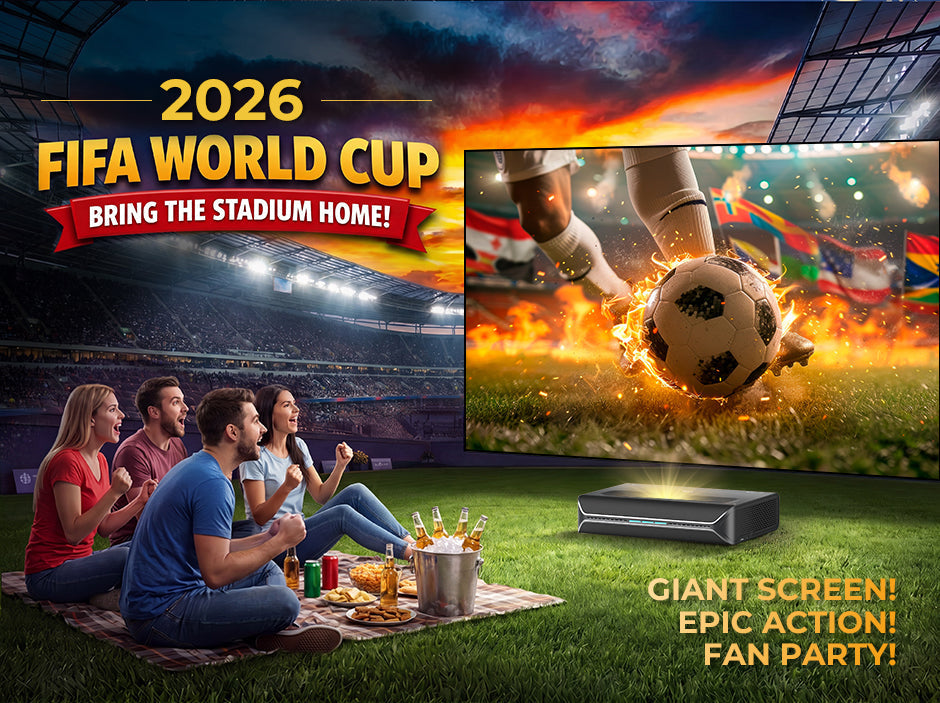
And while stadium tickets are limited, expensive, and often difficult to secure, there's a way to bring that same electric atmosphere directly into your living room or backyard: a high-performance projector-based home stadium setup.
In this guide, we’ll show you how to transform your home into a cinematic football arena for World Cup 2026. We’ll cover setup tips, essential gear, and the key role of modern 4K laser projectors in delivering a truly stadium-like experience.
Why Projectors Are the Best Way to Watch the World Cup 2026
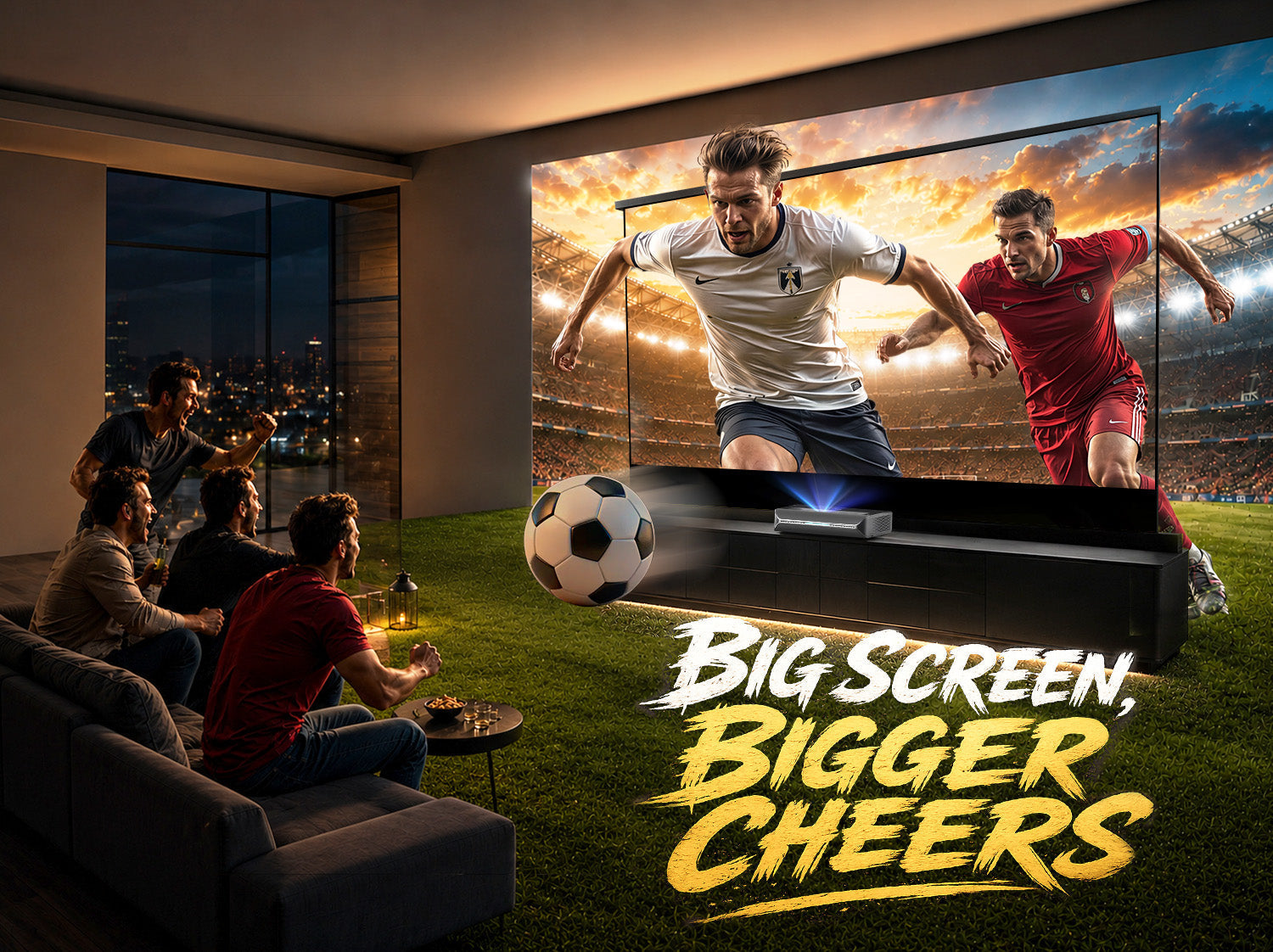
When it comes to sports, size and immersion matter. A traditional TV feels constrained compared to a projected 100–200 inch display. A projector, on the other hand, turns any wall into a massive live arena screen.
Why football fans are choosing projectors:

- Massive screen size (100”–200”+) for stadium-like immersion
- Shared viewing experience for friends and family gatherings
- Flexible setup for living rooms, backyards, or event spaces
- Cinematic contrast and motion handling for fast-paced sports action
- Portable entertainment that moves with your party
How to Set Up Your Home Stadium
A great projector is only part of the equation. To recreate the energy of a packed football stadium, you need to optimize every aspect of the viewing experience.
Focus on these key elements:
- Screen Size
- Seating Layout
- Audio System
- Screen Selection
- Lighting Control
- Network Stability
- Outdoor Readiness
The goal is simple: maximize immersion so every pass, tackle, and goal feels like it's happening right in front of you.
Step 1. Optimize Screen Size & Viewing Distance
One of the biggest advantages of a projector is the ability to create a truly massive image. Unlike televisions, which become increasingly expensive as screen size grows, projectors can easily deliver 100–150+ inch displays.
For sports viewing, larger is usually better—but only when matched with the correct viewing distance.

| Screen Size | Recommended Viewing Distance | Best Use Case |
|---|---|---|
| 100" | 8–10 ft (2.4–3 m) | Cozy living rooms / Apartments |
| 120" | 9–12 ft (2.7–3.6 m) | Standard living rooms (Sweet Spot) |
| 135"~150" | 12–15 ft (3.6–4.5 m) | Large media rooms / Garages |
| 150"+ | 15+ ft (4.5 m+) | Backyards / Commercial spaces |
A good rule of thumb is to sit close enough that the image fills a significant portion of your field of view without requiring constant head movement.
For most living rooms, a 120-inch screen delivers the ideal balance between immersion and comfort.
Pro Tip:
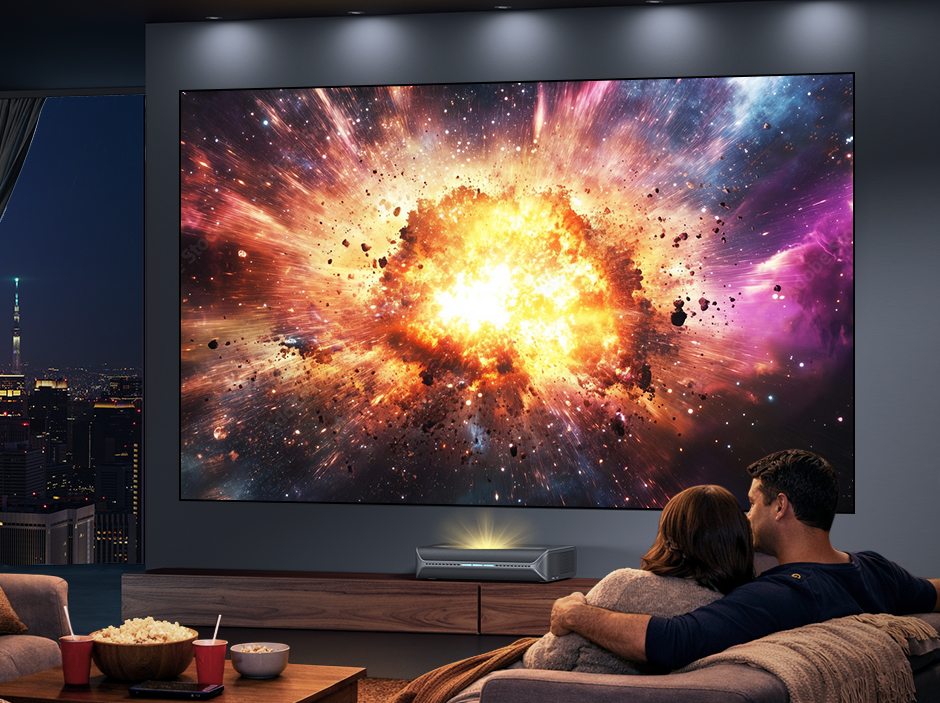
If you're using an Ultra Short Throw projector like the Aurora Pro MKII, you can achieve a massive image while keeping the projector positioned just inches from the wall, eliminating shadows and simplifying room layout.
Step 2. Arrange Seating Like a Stadium
Many home theater setups place viewers directly against the back wall. For sports, this often reduces immersion.
Instead, think like a stadium designer.
Single-Row Setup
For smaller gatherings:
- Center the primary seating directly in front of the screen.
- Position seats approximately 1.2–1.5x the screen width away.
- Keep eye level aligned with the middle third of the image.
Watch Party Setup
For larger groups:
- Create multiple seating zones.
- Place couches in the front row.
- Use bar stools or elevated chairs behind them.
- Leave clear pathways for guests moving around during halftime.
This layered arrangement improves sightlines and allows everyone to enjoy an unobstructed view of the match.
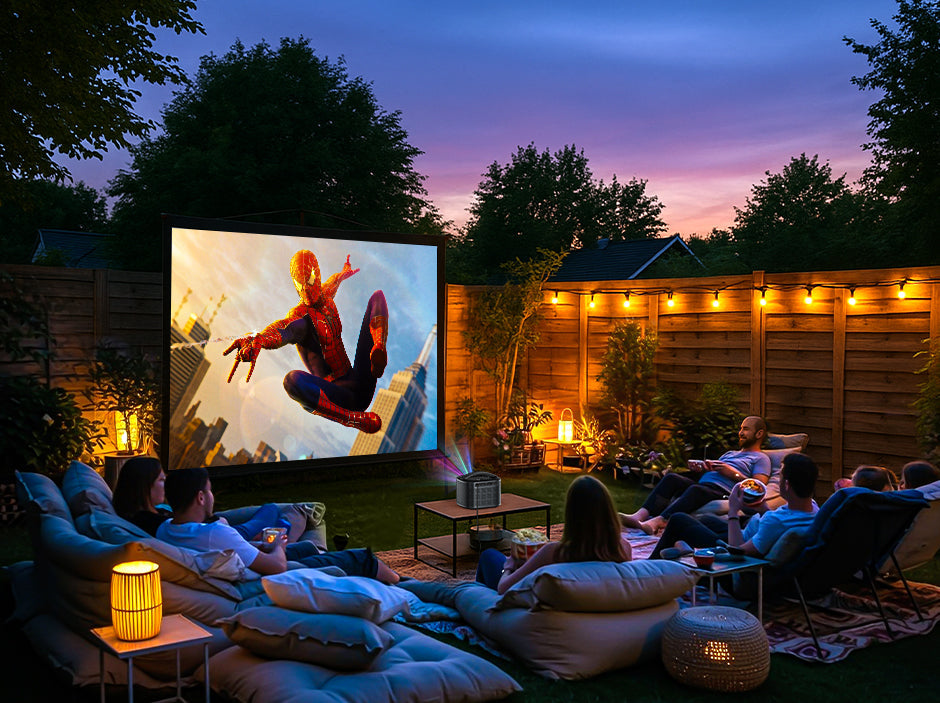
Backyard Viewing Setup
For outdoor screenings:
- Use foldable chairs or picnic blankets.
- Arrange seats in a semi-circle facing the screen.
- Keep viewers within a 45-degree viewing angle for the best image quality.
The result feels surprisingly similar to sitting in a supporters' section during a live match.
Step 3. Upgrade the Audio for True Stadium Energy
Crowd noise, chants, and goal celebrations contribute over 50% of the World Cup experience. Built-in speakers are convenient, but a dedicated sound system brings the roar to life.
- Good (Soundbar + Subwoofer): Perfect for apartments. It delivers immediate clarity to the commentator’s voice and gives a satisfying thud to deep crowd noise.
- Better (3.1 Channel System): Adds a dedicated center speaker. This separates announcer voices from ambient crowd chants perfectly.
- Best (Dolby Atmos Surround System): For dedicated media rooms. When a 90th-minute winning goal is scored, the directional audio makes the roar feel like it's literally dropping from your ceiling.
Speaker Placement Tips
- Position the center speaker directly below the screen.
- Place front left and right speakers at ear level.
- Keep the subwoofer near a wall or corner for a stronger bass response.
Step 4. Choose the Right Screen for Your Projector
Many first-time projector buyers focus entirely on brightness and resolution, but the screen plays an equally important role in image quality.
The ideal screen depends heavily on the type of projector you're using.
For Long Throw Projectors
Long throw projectors like the TriVision Ultra are generally more flexible when it comes to screen selection.
In a dedicated dark room, a standard matte white screen often delivers excellent results because it:
- Preserves color accuracy
- Maintains wide viewing angles
- Provides an affordable large-screen solution
- Works well in controlled lighting environments
For movie nights and evening World Cup matches, a traditional white screen is often all that's needed.
For Ultra Short Throw Projectors
Ultra Short Throw (UST) projectors operate differently.
Because the projector sits only inches from the screen and projects upward at a steep angle, standard white screens can allow ambient light from windows and ceiling fixtures to wash out the image.
To maximize performance, UST projectors are best paired with an Ambient Light Rejecting (ALR) screen specifically designed for ultra short throw projection.
Benefits include:
- Improved daytime visibility
- Better perceived contrast
- Deeper blacks
- Reduced image washout from overhead lighting
- Enhanced HDR performance
This is particularly important for sports viewing, where bright stadium lights and daytime matches demand strong contrast and image punch.
Recommended Screen Pairings
| Projector Type | Recommended Screen |
|---|---|
| Long Throw Projector | Matte White Screen |
| Long Throw in Bright Rooms | ALR Screen |
| Ultra Short Throw Projector | UST ALR Screen |
| Daytime Sports Viewing | ALR Screen Preferred |
For a projector like the Aurora Pro MKII, pairing it with a quality UST ALR screen unlocks the full potential of its 2400 ANSI lumens brightness, high native contrast, and Dolby Vision image processing.
The result is a brighter, more vibrant image that remains impactful even when friends are gathered around with lights on during a daytime kickoff.
Step 5. Optimize Lighting for Every Match Time
With matches taking place across multiple North American time zones, World Cup 2026 games will air at various times throughout the day, from bright afternoons to late evenings.
Managing ambient light becomes critical.
Daytime Viewing
For daytime matches:
- Close curtains or blinds.
- Turn off unnecessary overhead lights.
- Use darker wall colors when possible.
- Consider an Ambient Light Rejecting (ALR) screen.
An ALR screen helps maintain contrast by rejecting light coming from the room while reflecting light from the projector
Combined with a bright projector, this creates a much clearer image during afternoon kickoffs.
Nighttime Viewing
Evening matches offer ideal conditions. For the best results:
- Dim room lighting.
- Use indirect ambient lighting behind seating areas.
- Avoid placing lamps near the screen.
This helps preserve contrast while reducing eye strain during long viewing sessions.
Step 6. Don't Forget Network Stability
Nothing ruins a World Cup watch party faster than buffering during a penalty shootout.
Before match day:
- Use wired Ethernet whenever possible.
- Position your router close to the streaming device.
- Test streaming quality beforehand.
- Close unnecessary downloads and network-heavy applications.
- In your streaming settings, ensure output is set to 60fps/120fps and enable "Match Frame Rate" to avoid micro-stutters during fast ball tracking.
If multiple guests are connected to Wi-Fi, consider creating a dedicated network for streaming devices to maintain stable bandwidth. A 30-second interruption during extra time can completely break the atmosphere of an otherwise perfect viewing experience.
Step 7. Outdoor Viewing Checklist
Backyard World Cup parties are becoming increasingly popular because projectors can create enormous displays that simply aren't practical with TVs.
Before hosting outdoors, check the following:
- Projector brightness suitable for outdoor use
- Portable speaker or outdoor audio system
- Stable Wi-Fi connection
- Extension cords or power stations
- Screen secured against wind
- Seating arranged before sunset
- Backup weather plan
For the best image quality, start matches around dusk or after sunset whenever possible.
The combination of a giant projected image, fresh air, and a crowd of fellow fans often feels closer to a real stadium experience than watching indoors.
Step 8. Create a Dedicated Match-Day Zone

The final layer is all about the atmosphere. Transform your normal media room into a genuine supporters' pub with these simple additions:
Before hosting outdoors, check the following:
- Theme the Lighting: Use smart LED strips to change your room's color scheme to match your team’s jerseys.
- The Fan Wall: Hang a physical World Cup bracket poster or tournament tracker to update scores in real time during halftime.
- Stadium Grills: Prep classic stadium foods—hot dogs, nachos, and cold drinks—and place them in accessible "snack zones" so no one misses a play.
How to Choose the Right Projector for Sports?
Not all projectors are built for fast-moving sports content. Football requires excellent motion clarity, low latency, high brightness, and strong contrast.
Let’s break down what really matters:
💡 Key Specs for a World Cup Projector:
- Low input lag (under 10ms ideal) for real-time responsiveness
- 120Hz support for smoother motion
- High brightness (2000+ ANSI lumens) for daytime or ambient light viewing
- MEMC motion enhancement to reduce blur during fast play
- High dynamic contrast for better visibility in night matches
- 4K resolution with HDR support for stadium-level detail
Let’s look at two flagship options from NexiGo designed specifically to tackle the demands of fast-paced sports.
Best Projector for Watching Football in 2026
NexiGo Aurora Pro MKII: The Premium Home Stadium Experience
If your goal is to recreate a true “stadium-at-home” experience, the Aurora Pro MKII is engineered exactly for that purpose.
It is designed for fans who want cinematic scale without compromising competitive-level performance.

Key Highlights:
- Stunning 4K Visuals: Powered by Dolby Vision & HDR10+ for lifelike realism.
- Pro-Level Motion: Supports 4K@120Hz input with ultra-low latency (4.2–8ms) and advanced MEMC.
- High Brightness: Powerful 2400 ANSI lumens brightness.
- Deep Contrast: Native 4000:1 contrast ratio (Ultra-high >30,000:1 dynamic contrast with SAE technology) means night matches retain rich detail in every shadow.
What This Means in Real Viewing:

Fast passes stay sharp. Night matches retain detail in shadows. Stadium lights pop with realistic intensity. Every frame feels alive.
For living rooms or dedicated home theaters, Aurora Pro MKII creates a premium “front-row seat” feeling that closely replicates being inside the stadium.
As an ultra short throw projector, the Aurora Pro MKII can create a 100-inch image from just inches away from the wall, making it ideal for living rooms where space is limited.
NexiGo TriVision Ultra: The Ultimate Portable Sports Powerhouse
For fans who want flexibility—whether it’s backyard watch parties, rooftop gatherings, or traveling setups—the TriVision Ultra delivers outstanding performance in a compact form.

Key Highlights:
- Ultra-Bright Performance: 2600 ANSI lumens with no speckles and no color fringing, maintaining image clarity even in larger outdoor environments.
- Match-Day Anywhere: Compact design with 4K resolution, Dolby Vision, and HDR10+.
- Vivid Colors: Up to 110% BT.2020 color gamut with premium accuracy (∆E ≈ 1). Grass looks naturally green, and team jerseys pop exactly as they should.
What This Means in Real Viewing:

Grass looks naturally green, team jerseys appear vivid and accurate, and fast-moving plays remain crisp even in larger outdoor environments.
If Aurora Pro MKII is your home stadium core, TriVision Ultra is your portable “match day anywhere” companion. Its higher brightness output also makes it particularly well-suited for backyard World Cup watch parties, where some ambient light may still be present before sunset.
Why 2026 Is the Perfect Year for a Home Stadium Upgrade?
The FIFA World Cup 2026 will be the largest tournament in history, featuring more teams, more matches, and more global attention than ever before. This massive scale means more group watch parties, more daytime gatherings, and an unprecedented demand for premium home entertainment.
NexiGo projectors are built to look far beyond just one summer of football. With ultra-low latency for next-gen gaming, cinematic color accuracy for movie nights, and rugged reliability, you are investing in a premium entertainment hub for years to come.
Watching the World Cup at home doesn’t have to feel like "watching from home." Whether you choose the cinematic powerhouse of the NexiGo Aurora Pro MKII or the go-anywhere flexibility of the NexiGo TriVision Ultra, the goal remains the same: Bring the stadium home, and experience every single goal like you are standing on the pitch.
Frequently Asked Questions
FAQ
Like what we do? Stay tuned for more.
Whether you work at home or in the office, NexiGo provides a wide range of quality and affordable technology to elevate your daily life. Our products encompass everything from webcams and portable monitors to projectors and gaming accessories.
Articles we think you'll love