The Ultimate Guide to Choosing the Best Projector Screen (2026)
NexiGo | Mar 26, 2026
When building a home theater, most people focus almost entirely on the projector itself. It's common for beginners to spend the majority of their budget on a high-end projector while projecting onto a plain white wall.
However, the projection surface plays a much bigger role in image quality than many expect. Even a high-performance 4K or 8K projector cannot deliver its full potential if the light is scattered by a textured wall or absorbed by a poorly reflective surface. A projector screen is not simply a blank backdrop — it is an engineered optical surface designed to control how light, contrast, and color are reflected toward the viewer.
Choosing the right screen can dramatically improve brightness efficiency, color accuracy, and overall viewing consistency. This guide will walk through the key factors to consider when selecting a projector screen in 2026.
Why a Projector Screen Matters More Than You Think
Technically, you can project onto a wall. But doing so often leads to noticeable compromises in image quality.
Most residential walls are not designed for optical projection and tend to introduce several issues:
Common problems with wall projection
- Conference rooms
- Classrooms
- Outdoor or daylight environments
Projector screens are specifically engineered to reflect projected light evenly and predictably.
Advantages of a dedicated screen
- Higher brightness efficiency
- More accurate color reproduction
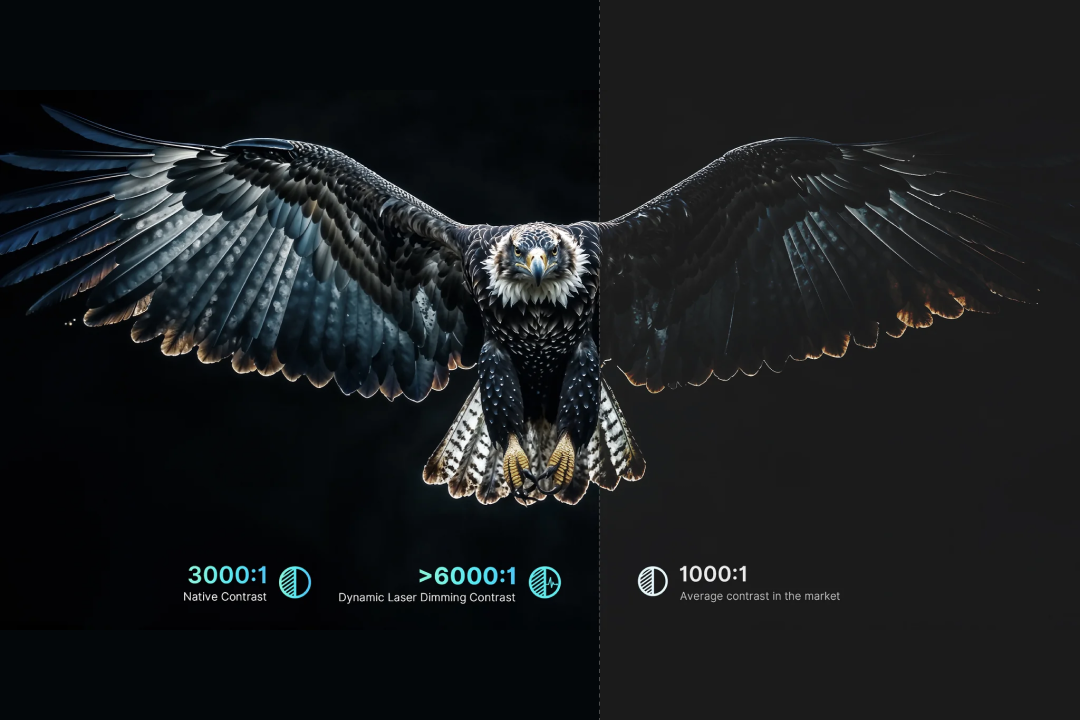
- Improved contrast and black levels
- Uniform image quality across the entire surface

If you have invested in a quality projector, using a proper screen ensures you are actually seeing the performance your projector is capable of delivering.
Step 1: Choosing the Right Screen Size
A common assumption in home theater design is that a larger screen always creates a better experience. In reality, the ideal screen size depends on several factors working together:
- Viewing Distance: The physical distance between your eyes and the screen
- Viewing Angle: How much of your vision is occupied by the screen
- Projector Resolution: The amount of visible detail, measured in pixels (e.g., 1080p, 4K, or 8K)
What is the Viewing Angle of a projector screen?
Viewing Angle refers to how much of your vision is occupied by the screen. It’s determined by a combination of screen size and your viewing distance. Larger screens have a naturally wider field of view. However, you can get the same field of view with a smaller screen when you sit closer to it.
A wider Viewing Angle creates a more immersive experience, but it’s not ideal for every situation. For instance, when you’re playing video games, it’s easier to have a smaller field of view so your eyes don’t have to travel as far to check all the UI elements.
Two commonly referenced industry guidelines are:
THX Recommendation — 40° Viewing Angle
- Creates a highly immersive cinematic feel
- Similar to sitting near the center of a commercial movie theater
SMPTE Recommendation — 30° Viewing Angle
- More comfortable for long viewing sessions
- Ideal for living rooms or multi-purpose spaces
How does resolution affect viewing distance?
The closer you sit to your projector screen, the higher resolution is needed for the image to look seamless. This is because pixels have physical spacing. Sitting too close to a lower-resolution image can reveal the “screen door effect”, where individual pixels are visibly separated by a thin black grid.
With higher resolution projectors such as 4K Ultra HD, viewers can sit closer without noticing pixel structure. This means that for projectors, as the resolution increases, the ideal viewing distance decreases.
Typical viewing distance guidelines
| Goal | Formula | Example (120" screen) | Result |
|---|---|---|---|
| THX Immersion | Screen size × 1.2 | ~12 ft | Highly cinematic |
| SMPTE Standard | Screen size × 1.6 | ~16 ft | Comfortable for daily use |
| 4K Detail | Screen size × 1.0–1.5 | 10–15 ft | Maximum visible detail |
Step 2: Understanding Projector Screen Materials
Modern projector screens are far more advanced than the simple white fabrics used in early projection systems. Using a combination of microprisms and screen coatings, projector screens reduce glare, optimize brightness, and even cut out ambient light.
Several key factors should be considered when selecting screen material, since different screen materials are optimized for different lighting conditions.
Screen Color and Contrast
The color of the screen surface is the foundation of your visual experience. While white screens are better for color accuracy, they’re not the best pick for rooms with more ambient light.
White Screens
- Industry standard for color accuracy
- High brightness and wide viewing angles
- Best suited for dedicated dark rooms
Grey Screens (High Contrast)
- Improves black levels with slightly darker surface
- Helps reduce image washout in rooms with moderate ambient light
- Lowers brightness
ALR Screens (Dark Grey or Black)
- Designed to reject ambient light
- Maintains contrast even in brighter environments
- Typically used in living rooms or daytime viewing setups
Screen Gain vs. Viewing Angle
Two important optical properties often work in opposite directions.
Screen Gain measures how efficiently the screen reflects light.
- High gain (>1.2) increases brightness
- Low gain (<1.0) prioritizes deeper blacks and better color balance
However, higher gain often narrows the viewing angle, meaning viewers seated far to the side may see a dimmer image. This is why wide seating arrangements benefit from screens designed for broader viewing angles.
Ambient Light Rejection (ALR) & Structure
What are Lenticular screens?
Lenticular screen material blocks overhead light using its microscopic "sawtooth" horizontal structure. The black top layer absorbs overhead ambient light, while the reflective bottom layer captures the light from the projector sitting directly below.
Best for: Families or groups. It offers an exceptionally wide viewing angle (up to 170°), ensuring everyone on the sofa sees a consistent image.
What are Fresnel screens?
Fresnel screen material blocks ambient light from all directions using a series of concentric semi-circular rings. It is designed to converge light from a specific point toward the viewer while blocking light from the top and both sides.
Best for: Bright living rooms with windows on the side. It offers higher gain (brightness) and superior rejection of side-lighting compared to Lenticular screens.
Characteristics: Narrower viewing angle; typically comes as a "hard screen" (non-rollable) to maintain its precise optical curve.

What are long-throw ALR screens?
Long-Throw ALR screens are designed to block ambient light for standard projectors that are placed at the back of the room. Long-throw ALR screens use specialized multi-layer coatings rather than physical micro-structures to selectively reflect the projector's light while absorbing scattered ambient light.
Surface Texture and Resolution
With the rise of 4K and 8K projectors, the "fineness" of the material matters more than ever.
- Texture: Avoid coarse "Glass Bead" or heavy weave fabrics for 4K content, as the texture can interfere with the pixels, causing a "shimmering" or "moiré" effect.
- Acoustically Transparent (Perforated): If you want to hide your speakers behind the screen (like a real cinema), choose a micro-perforated or woven material. Note that this may slightly reduce the absolute sharpness of the image.
Physical Form and Flatness
A screen is only as good as its surface tension.
- Fixed Frame: The gold standard for flatness. The material is stretched tight over a metal frame, ensuring zero wrinkles.
- Tab-Tensioned Electric: If you need a retractable screen, look for "Tab-Tensioned" models. They use a string system on the sides to prevent the "curling" or "v-waves" common in cheap pull-down screens.
- Fiberglass vs. Matte White: Fiberglass-based materials are stiffer and stay flatter over time compared to basic PVC-based "Matte White" fabrics.
Recommended Screen Materials
| Room Environment | Recommended Material | Key Benefit |
|---|---|---|
| Dedicated Dark Room | Matte White | Peak color accuracy & wide viewing |
| Living Room (Daytime) | Fresnel / Lenticular (CLR) | TV-like performance in daylight |
| White Walls / High Reflectivity | Matte Grey | Deeper blacks and better depth |
| Professional Audio Setup | Acoustically Transparent | High ambient light |
Step 3: Installation Options: Fixed vs. Retractable vs. Portable
When choosing a projector screen, the installation method is a key factor that determines your space utilization, aesthetic appeal, and long-term surface flatness. Based on your environment, these methods can be categorized into three main types:
Fixed Installation: The Ultimate Cinematic Experience
If you have a dedicated media room or a wall that doesn't need to serve other purposes, a fixed setup is the gold standard.
Fixed Frame Screens:
- Core Advantage: It provides a perfectly flat projection surface permanently. There is zero risk of curling or "waves" over time.
- Best For: Dedicated home theaters. When paired with ALR (Ambient Light Rejection) material, it is the best 100-inch+ "TV replacement" for bright living rooms.

In-Ceiling / Recessed Screens:
The housing is installed inside the ceiling structure during the renovation phase.
- Core Advantage: It achieves a minimalist aesthetic where the screen completely disappears when not in use.
Retractable Screens: The Flexible Middle Ground
If you want to use the wall for other things (like a TV or art) when not watching movies, retractable options provide the best balance.
- Manual Pull-Down Screens: The most budget-friendly option, operated by hand using a pull cord and a self-locking mechanism.
Note: These are cost-effective but lack tensioning, which may lead to slight edge curling over years of use. - Motorized & Tab-Tensioned Screens: Operated by a motor via remote or wall switch. Tab-Tensioned (Recommended): This is the premium retractable solution. It uses a string-and-tab system on the sides to pull the screen taut. This ensures the surface stays as flat as a fixed frame screen while remaining hideable.

Portable & Mobile: Big Screen Anywhere
For those who rent, move frequently, or want to take the "theater" to the backyard, portability is the priority.
Floor Rising Screens:
These sit on the floor and pull upward, supported by a pressurized gas spring or a motorized scissor-lift mechanism.
- Core Advantage: No drilling required. It’s perfect for renters or those who cannot mount things to their ceiling or walls.

Portable Tripod / Fast-Fold Screens
Usually comes with a foldable metal stand and a carrying bag.
- Core Advantage: Tool-free assembly and lightweight.
- Best For: Backyard movie nights, camping trips, or office presentations in different rooms.

Simple Yard/Hanging Screens:
Basic foldable fabric (often polyester) with grommets. Can be tied to trees or hooked to a wall—the ultimate "backpack" cinema setup.
Recommended Installation Options
| Priority | Recommended Method | Why? |
|---|---|---|
| Best Image Quality | Fixed Frame | Permanent tension ensures zero distortion. |
| Renter Friendly | Motorized Tab-Tensioned | Disappears when off; perfectly flat when on. |
| Outdoor / Travel | Fast-Fold / Tripod | Stable in wind and easy to pack in a car. |
Step 4: Matching the Screen to Your Projector
Not all projectors work with all screens; you’ll need to purchase a screen designed for your projector type.
- Standard Throw: Compatible with most screen types; not compatible with UST-ALR screens.
- Ultra Short Throw (UST): Projects at a steep angle from directly below the screen. Requires a specialized UST‑ALR screen to prevent distortion and uneven brightness. Using a regular screen here is a common mistake that ruins image quality.
Step 5: Consider Your Viewing Environment
Your viewing environment dictates the type of screen you need:
- Dedicated Home Theater: In a fully darkened room, a standard white screen provides the most accurate color reproduction and brightness.
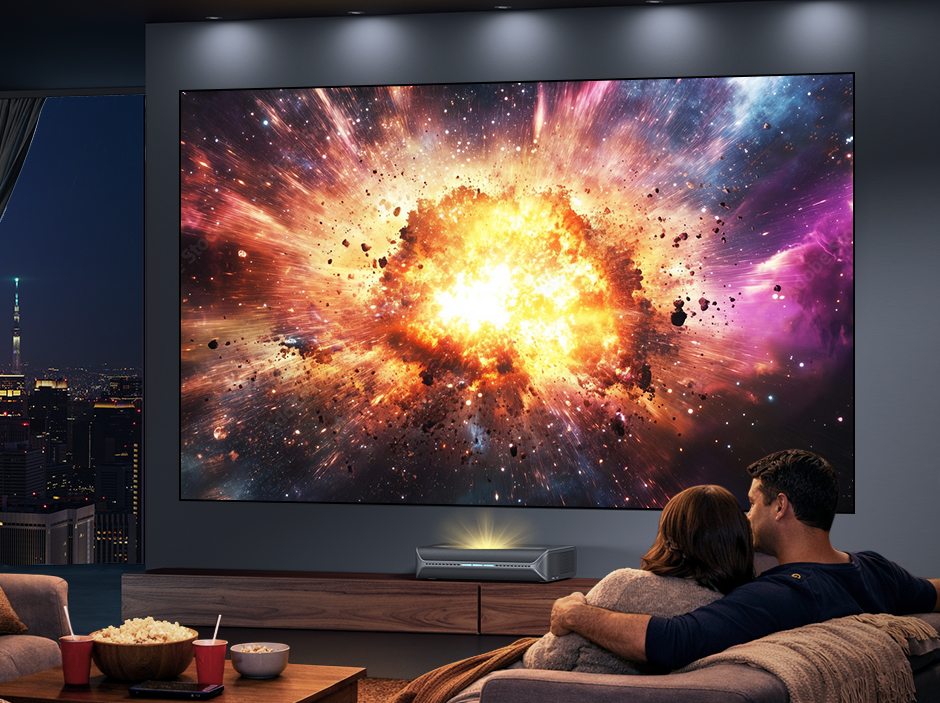
- Living Room / Media Room: Ambient light from lamps or windows can wash out the image. An ALR (Ambient Light Rejecting) screen combats this by reflecting projector light toward viewers while rejecting stray room light.
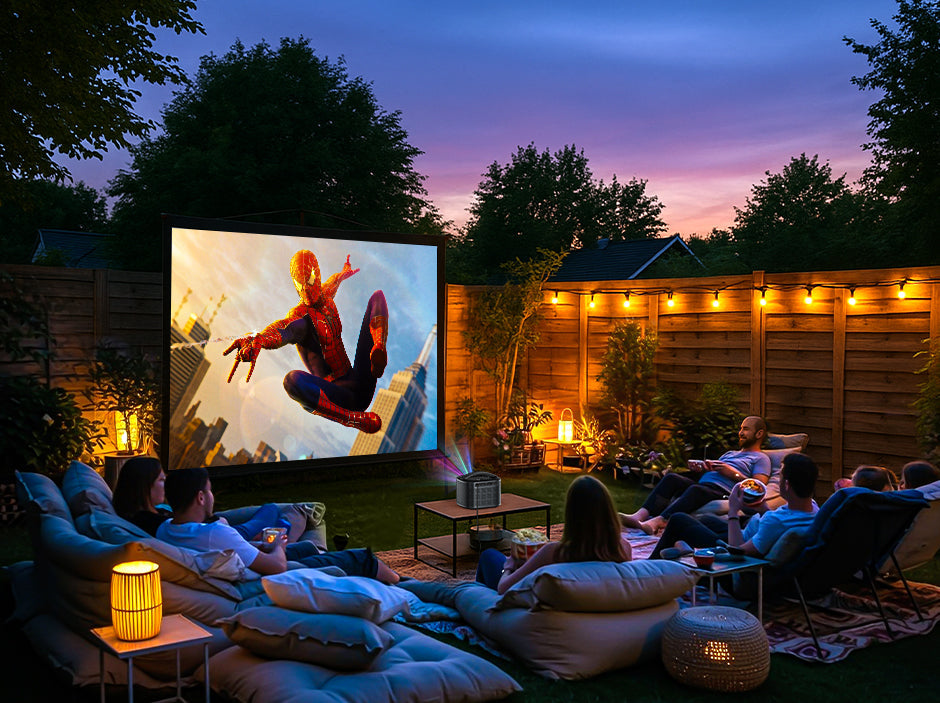
- Outdoor / Portable: Durability and ease of setup matter most. Portable folding or inflatable screens are ideal for backyard movie nights.
- Small Apartment / Office / Classroom: Space is limited, so retractable or motorized screens that disappear when not in use are practical and stylish.
Step 6: Budget and Buying Considerations
Projector screens are available across a wide price range.
| Price Tier | Typical Range | Best For |
|---|---|---|
| Entry Level | $100–$300 | Casual viewing |
| Mid-Range | $300–$800 | Balanced performance |
| Premium | $800+ | Home theater setups |
Other considerations include:
- Installation requirements
- Warranty and brand support
- Long-term durability
A good screen should remain wrinkle-free and maintain consistent performance over years of use.
Fixed Installation: The Ultimate Cinematic Experience
A good screen should remain wrinkle-free and maintain consistent performance over years of use.
| Scenario | Recommended Screen |
|---|---|
| Dedicated home theater | Matte white screen |
| Living room with ambient light | ALR screen |
| Small space or apartment | Motorized retractable screen |
| Professional Audio Setup | Acoustically Transparent |
| UST projector setup | UST-specific ALR screen |
| Portable/outdoor use | Tripod or folding screen |
Pro Tip: Measure twice, buy once. Screen size and placement are critical to comfort and image quality.
Final Thoughts
Choosing the right projector screen is just as important as selecting the projector itself. By carefully considering screen size, material, installation method, and room lighting, you can dramatically improve your viewing experience.
The best setup is not necessarily the most expensive one — it’s the one that matches your room, projector, and viewing habits.
Always make sure to measure your space carefully before buying, and choose a screen that complements your projector’s capabilities.
NexiGo Screens Recommendation
FAQ
Like what we do? Stay tuned for more.
Whether you work at home or in the office, NexiGo provides a wide range of quality and affordable technology to elevate your daily life. Our products encompass everything from webcams and portable monitors to projectors and gaming accessories.
Articles we think you'll love