



Image Sensor: 17.3 inch
Panel type: IPS
Aspect ratio: 16:9/ 4:3
Resolution: 1920x1080
Display color: 16.7M
Visual angle: H:85°/85°Min V:85°/85°Min
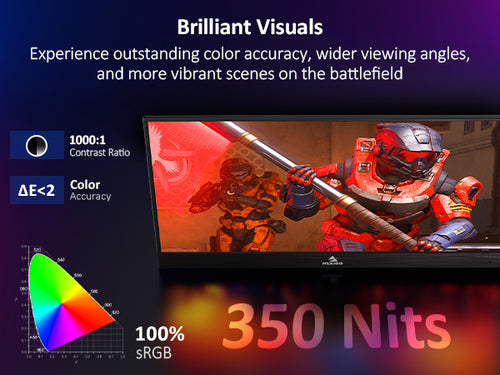
Contrast ratio: 1000:1
Brightness: 350cd/m²
Speaker: Built-in Dual Speakers
Color gamut: 72%
Refresh rate: 144Hz
Output Interface: 3.5 mm headphone interface
Input interface: HDMI (Video signal), Type C full function (Data Transfer; Power supply), Type C power supply
System requirement: Devices with an HDMI output interface, Computers with full Type C video output capability
What's in the Box?
1x 17.3 Inch Portable Monitor
1x HDMI to HDMI Cord
1x Smart Cover (can be used as stand)
1x Type-C to Type-C Cord
1x Type-C to Type-A Cord
1x User Guide
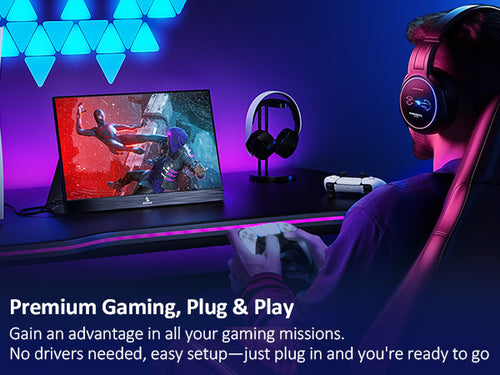
The NexiGo portable display does not require any additional software or drivers to use. Simply plug your device into the display using the USB Type-C or HDMI cable, ensure that the display is properly powered (HDMI connections do not supply power, and USB Type-A connection do not either), and you are good to go!
Yes, this display is compatible with any game console that has a HDMI or USB Type-C output. For all of these systems you will need to connect the monitor to the HDMI output port on the console, in addition to powering the display with one of the USB Type-C ports.
The NexiGo portable display does not have a built-in battery for additional flexibility when traveling due to FAA regulations concerning batteries. The display instead pulls power directly either from a wall plug, or from the device it is attached to through the USB Type-C connection. As such, it will last as long as your device's battery lasts. This duration can be extended through the use of a portable charger or an external power supply.
Please inspect any cables that are plugged in to make sure that the pins are straight and not bent. If they are bent, this may cause issues with the display.
The monitor only draws a small amount of power from its signal source. This is a normal result and nothing to worry about.
Please ensure that the signal cable is properly connected between the monitor and the output device. If there is no issue with the cable and the display is still having issues, please contact NexiGo support for assistance.
The NexiGo portable display has a wide range of compatibility, so many devices are compatible we cannot name them all. As such, to figure out if your device would work with this display just determine if the item has a full featured USB Type-C port, or a HDMI port. If it has one of these ports it will work with the display, though it may require an external power source.