



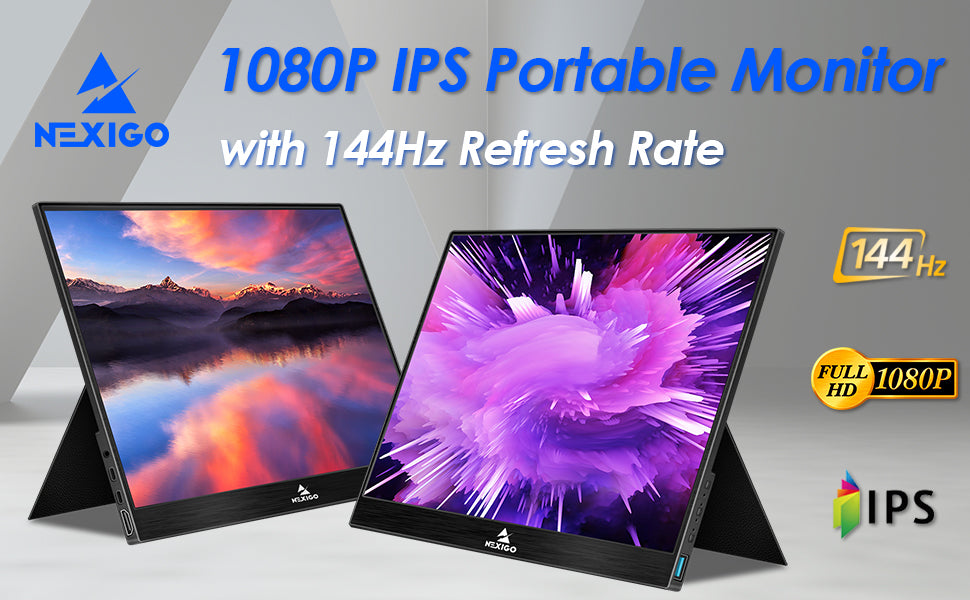
The NexiGo Portable Monitor - NOT Just Another Screen
In today’s world a single screen is just not enough. Whether you work from home or just want to enjoy all that your computer can do, you need additional screen real estate. The NexiGo portable monitor was created with this one thing in mind, ending that old single screen way of life. Is your smartphone too small to enjoy a video? Do you get eye strain with your old monitor while gaming? Do you constantly have to switch from window to window, trying to perform acrobatics with your points and clicks to get the thing to do what you want? All of this hassle stems from a singular issue: a one screen life.
The NexiGo portable monitor was designed to work with more of the digital devices you already have, and to do so all while providing a level of quality that will satisfy your demands both working and/or gaming. You can connect the NexiGo monitor to your: laptop, smartphone, MAC, PC, Playstation, Xbox, Nintendo, etc. Nearly any device with an HDMI or a USB Type-C output can be connected to, so you can use it with almost anything!
3 in 1 Display Mode
When connected to a computer or laptop the NexiGo Portable Monitor offers a 3 in 1 display mode to suit different demands in various situations.
Duplicate Mode - Also called copy mode. In this mode the NexiGo Portable Monitor duplicates the screen on your PC or laptop. Commonly used in meetings to share the computer display with the group.
Extend Mode - Extend mode allows you to use the NexiGo Portable Monitor as a second display for your system, allowing you to do completely different things with each screen. Simply drag the page to the left or right on your PC or Laptop to move it to the second screen. Whatever you do; typing code, designing, photoshop, or even if you are just a regular computer user, the NexiGo USB Type-C monitor will greatly extend your vision and facilitate your work.
Second Screen Mode - Second screen mode allows you to use the NexiGo Portable Monitor as the primary monitor for the unit. Using this you can turn the primary monitor on the laptop or PC off, and use the NexiGo monitor as the only monitor on the system. This allows you to save power if your older primary monitor is power heavy, and also allows you to have a primary display with stunning Full HD resolution.
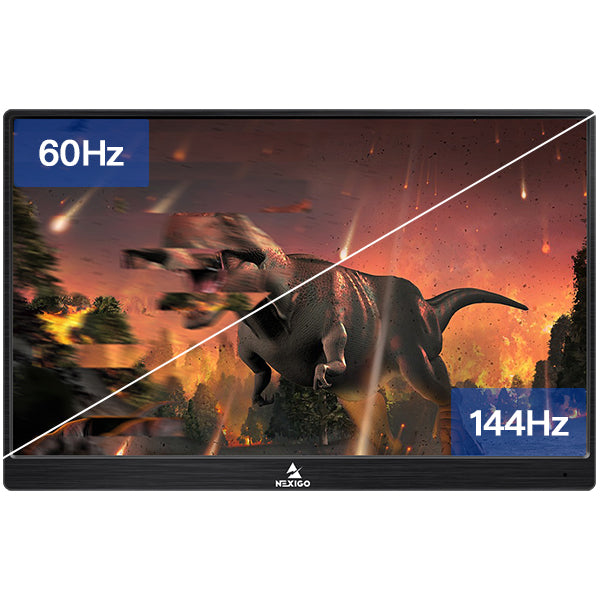
144Hz Refresh Rate
With 144 Hz high refresh rate, the picture changes faster and smoother than usual monitors. Enjoy full HD 1080P picture with no image stuttering or tearing.
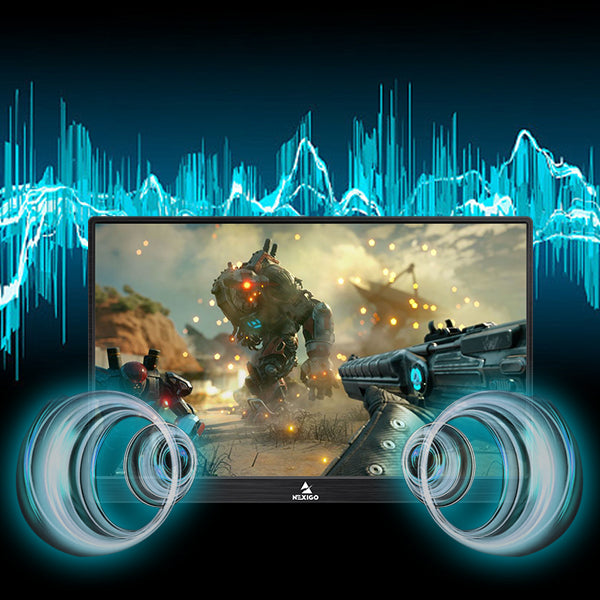
Built-in Dual Speakers
Built-in stereo speakers deliver clear audio for videos and music. Alternatively, you can connect your earphone via 3.5mm aux port for sound output.
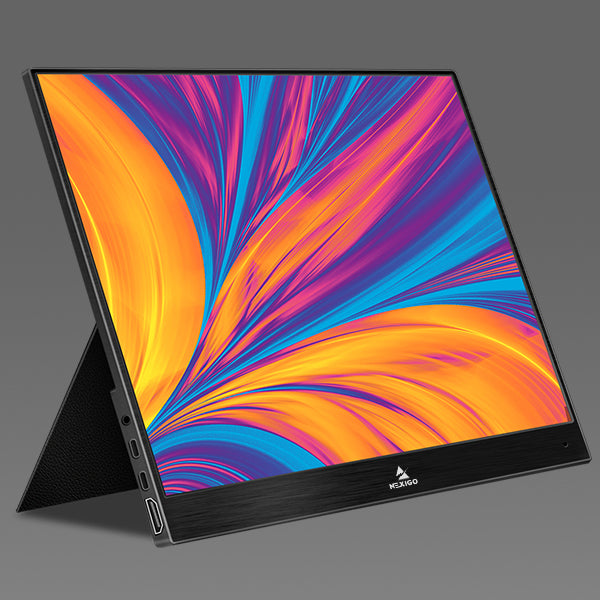
Vivid Color/ Contrast
Full HD 1080P IPS panel with backlight system delivers stunning color and sharp images. 300 cd/m² brightness and eye protection technology reduce user eye strain.
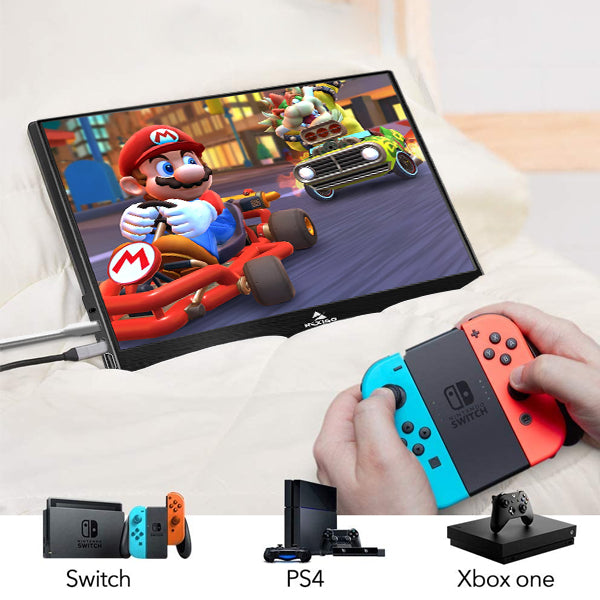
Game Display
The portable monitor is a perfect choice for playing PS3, PS3, XBOX ONE, Wii and Nintendo Switch. Enjoy convenient big-screen gaming experience with clear image and immersive sound.
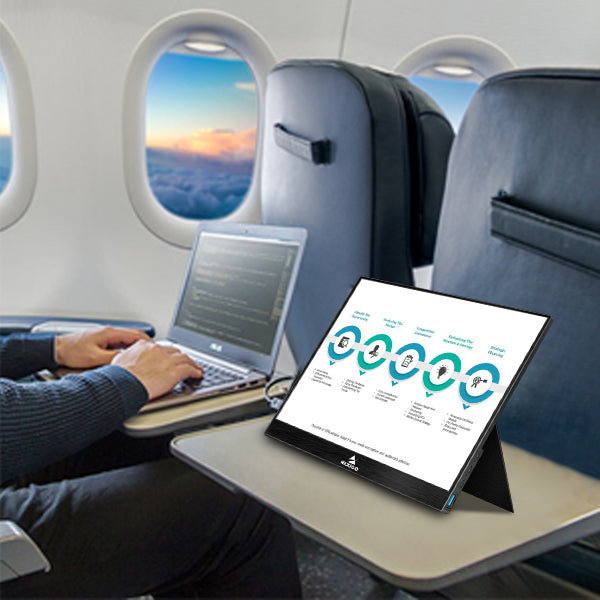
Extend Mode
Connect the portable monitor to your desktop or laptop and you can use it as a second monitor to extend your screen. The lightweight monitor is an ideal partner for easier office and work.
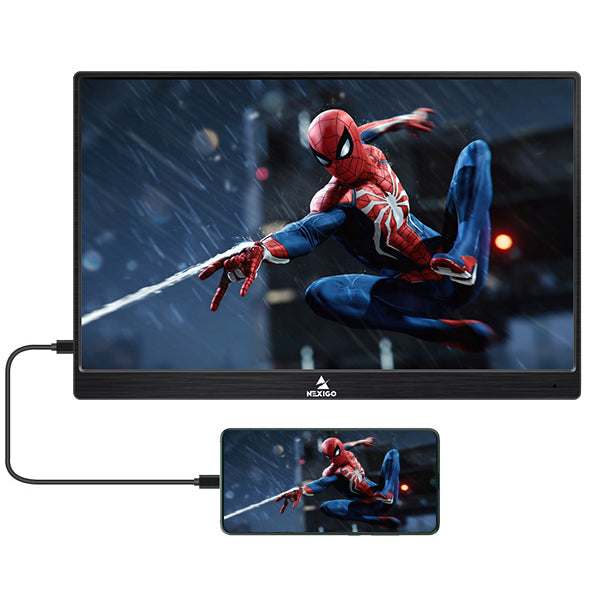
Duplicate Mode
Compatible with smartphones that have a full-featured USB-C port, the monitor can be used as a portable cinema for phone movies. It also supports screen duplication for laptops and desktops.
Specifications
| Screen Size | 15.6 Inch |
|---|---|
| Panel Type | IPS |
| Aspect Ratio | 16:9/ 4:3 |
| Resolution | 1920*1080 |
| Display Color | 16.7M |
| Visual angle | H:85°/85°Min V:85°/85°Min |
| Contrast Ratio | 1000:1 |
| Brightness | 300cd/m² |
|---|---|
| Color Gamut | 72% |
| Refresh Rate | 144Hz |
| Speaker | Built-in Dual Speakers |
| Input Interface | HDMI (Video signal), Type C full function (Data Transfer; Power supply), Type C power supply |
| Output Interface | 3.5 mm headphone interface |
| System Requirement | Devices with an HDMI output interface, Computers with full Type C video output capability |
What's in the Box?
1x 15.6 Inch Portable Monitor;
1x HDMI to HDMI Cord;
1x Smart Cover (can be used as stand);
1x Type-C to Type-C Cord;
1x Type-C to Type-A Cord;
1x User Guide
Notes (PLEASE READ):
1. Please check if the USB Type-C port of your laptop is a full-featured Type-C port. If the Type-C port on your system is just for charging, it will not be usable.
2. If you plan to use this with a smartphone, please check if your phone has enough power output through the USB Type-C port or if it will require an adapter to support power. The system needs 5V/2A power input. This is fairly typical of most smartphone chargers but check the ratings first!
3. If you plan to use this with a laptop, please check if your laptop has a USB 3.0 or a USB Type C port. If not you will need to connect your laptop to the monitor via the HDMI port. Some computers have low power USB ports. If this is the case the monitor will not be able to pull enough power from the port and an external power supply will need to be used. See note 2.