





Support
Go get further supportMost likely, your dash cam won’t turn on because it isn’t powered properly. Please try the following to fix this issue:
- Ensure the power cable is firmly plugged into the USB-C port on the dash cam.
- Check your vehicle's auxiliary power outlet for debris, corrosion, and other damage. If needed, clean it out or try a different outlet.
- Ensure the power cable is firmly and fully seated in the auxiliary power outlet.
- Check to make sure the car fuse for the auxiliary power outlet hasn’t been tripped.
- If your dash cam still won’t turn on, please contact our support team at cs@nexigo.com.
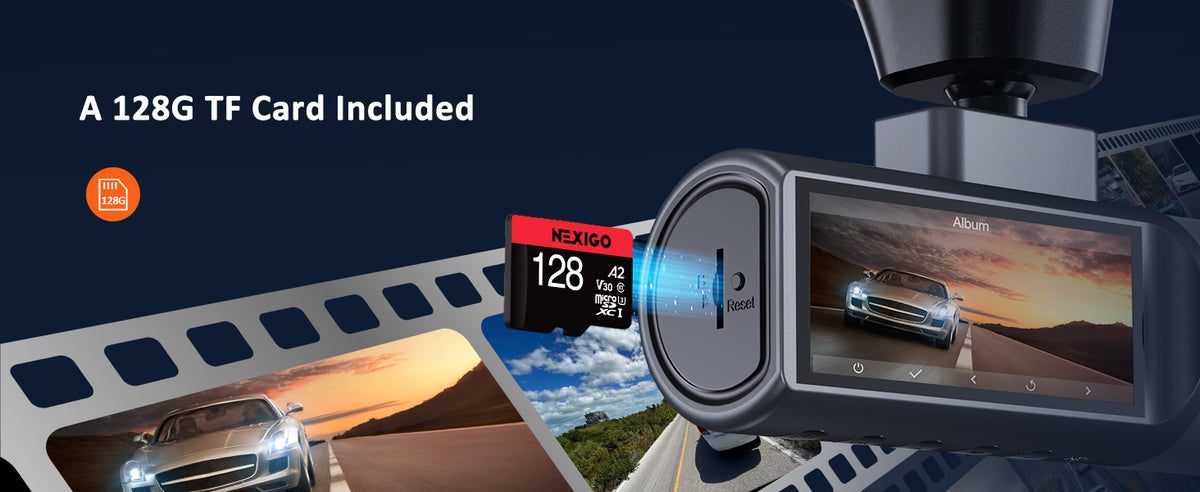
There may be an issue with your Micro SD card. Please try the following to determine the source of the issue:
- Ensure that your Micro SD card is fully inserted into the device.
- Format the Micro SD card using your PC and then try using it with your dash cam again.
- Try using another Micro SD card.
- If you are still receiving the error message after trading out Micro SD cards, please contact our support team at cs@nexigo.com.
There may be something on the lens preventing your camera from recording clearly. Please try the following:
- Check both the front and rear camera lenses for debris and other smudges. If necessary, clean the lenses with a microfiber cloth and a lens cleaning fluid.
- Ensure that the protective film has been removed from every lens.
- Clean the windshield near each camera, both inside and outside of the vehicle.
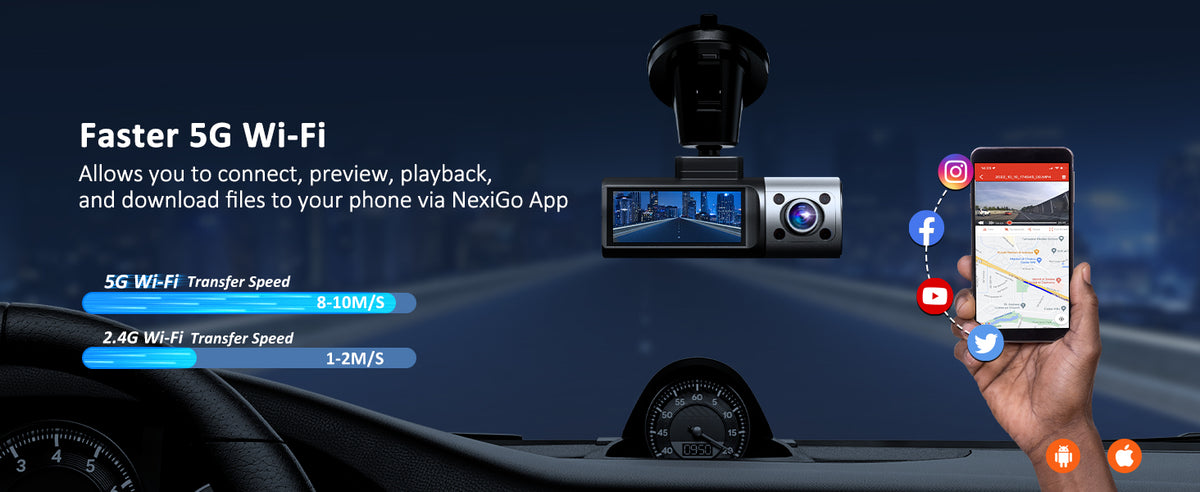
The Wi-Fi signal range is about 10 ft when there are no obstructions.
Yes. You can change the Wi-Fi password in the NexiGo Dash Cam app by navigating to Live View > Dash Cam Settings > Wi-Fi Connection Settings. After changing the password, please restart the dash cam. You must forget the original network on your smartphone before reconnecting.
Your Micro SD card is full. We encourage you to do the following to prevent any more data loss:
- Move the old files off your Micro SD card regularly.
- Format the Micro SD card once a month to keep the device running normally.
- Replace the Micro SD card with a new Micro SD card once a year.
To format your Micro SD card using the dash cam, open the menu of NexiGo dash cam and navigate to Settings > Format SD Card. If you are using a computer or laptop, follow the instructions provided by the operating system manufacturer to format a disk.
Turn off the dash cam and remove the Micro SD card from the device. Using a card reader, insert the Micro SD card into your computer. You can then drag and drop files from the Micro SD card onto your computer.
Note: Do not insert or remove the Micro SD card while it is saving or reading data. The data may be damaged or lost. Only insert or remove the Micro SD card when the dash cam is turned off.
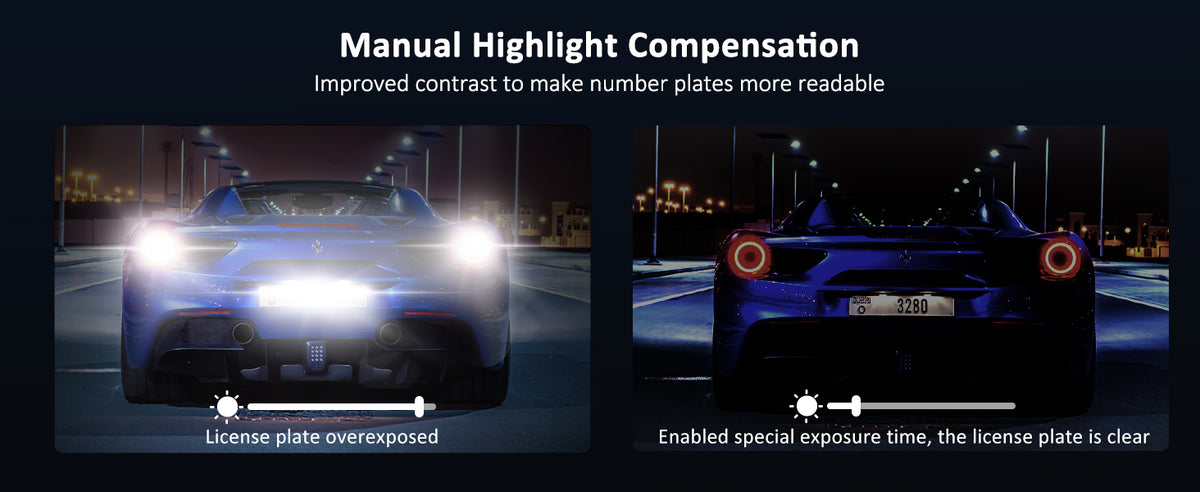
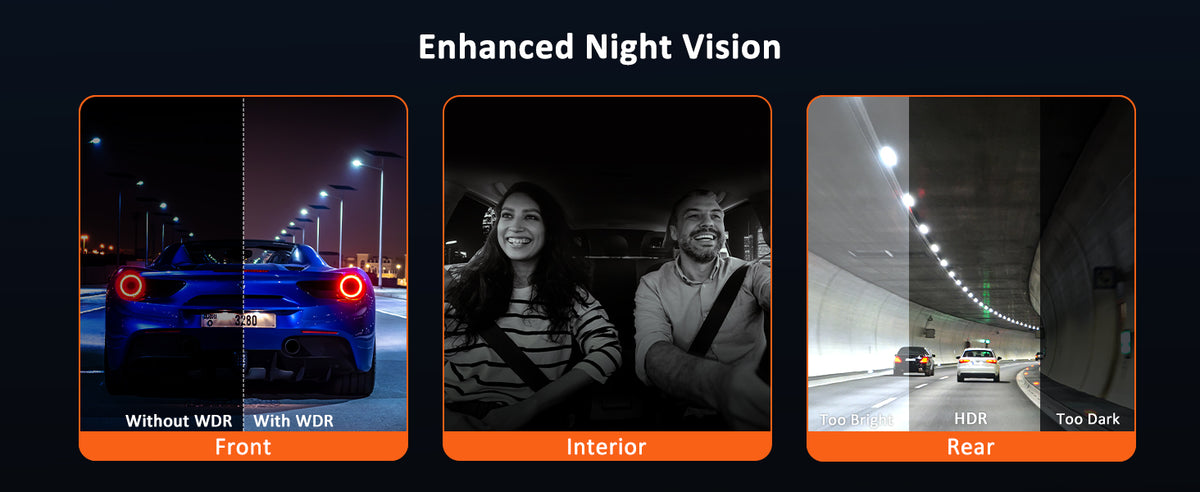
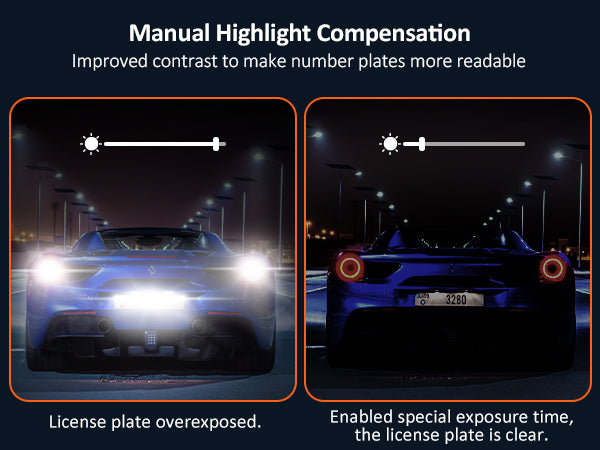
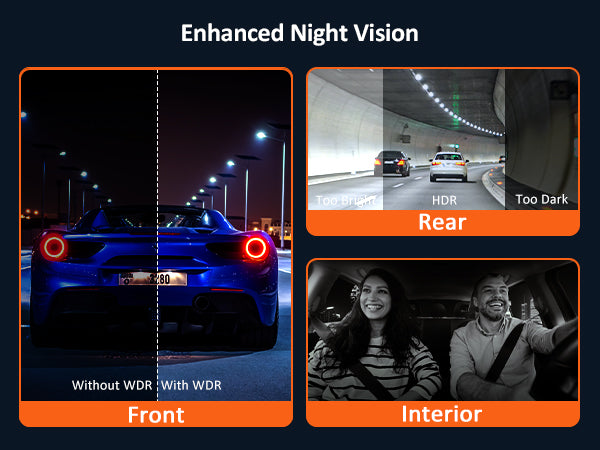
If your dash cam isn’t capturing enough detail at night, you can adjust the Special Exposure Level to compensate for the low light. To get the most out of this setting, we recommend taking the following steps to correct your dash cam’s night vision.
- Park so that you’re facing another car and turn on your headlights. The reflective surface of the other car’s license plate will serve as a reference point when you adjust the exposure settings of your dash cam.
- Enter Settings > Camera Settings > Special Exposure Level to adjust the exposure of the front-facing camera until you can clearly see the license plate of the vehicle ahead.
- To avoid changing the Special Exposure Level each time you want to enable or disable this feature, adjust the time range for when these exposure changes are active using Special Exposure Time in the Camera Settings menu.
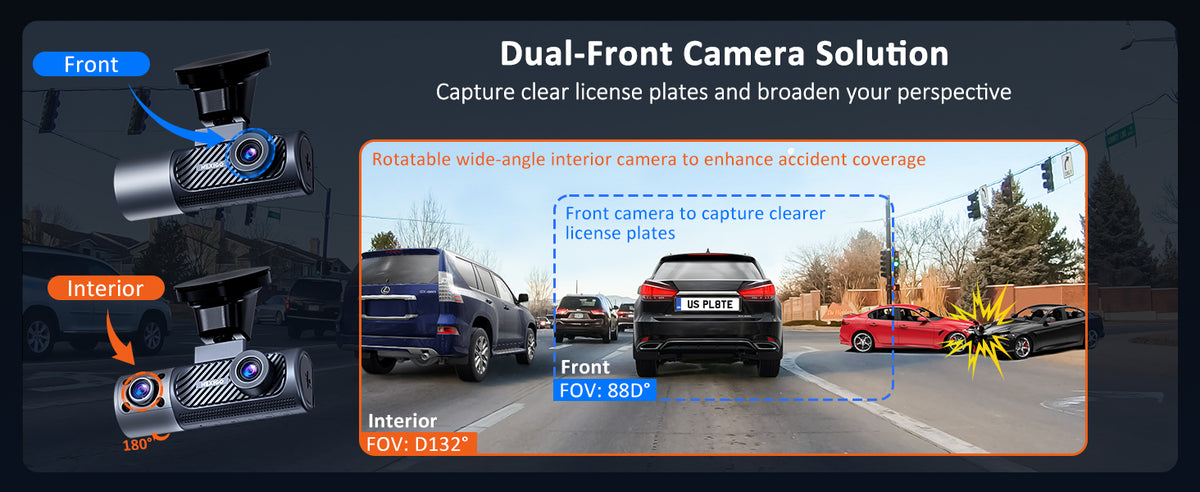
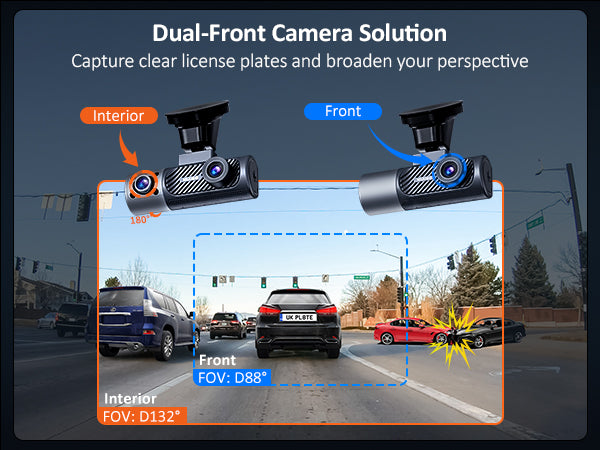
- Rotate the interior camera until it faces forward, and flip the camera view under Settings > Camera Settings > Interior Camera Position so that the footage is right side up. The brighter, infrared-enhanced footage of the interior camera will capture all the detail that the front camera cannot. Now you can record normal front view footage plus license plate monitoring footage at the same time.