
What is Dynamic Iris for projectors?
Amber Stefanson | January 2, 2026
Dynamic contrast is changing the way people use projectors. With darker blacks and brighter highlights, movie-watchers can finally watch their projectors day or night. At >30,000:1, the contrast on the NexiGo Aurora Pro MKII is incredibly eye-catching, and resilient against ambient light. This is a huge leap forward from the 6,000:1 contrast ratio of the original Aurora Pro.
The secret behind the dramatic increase in contrast? A next-generation projector feature called Dynamic Iris.
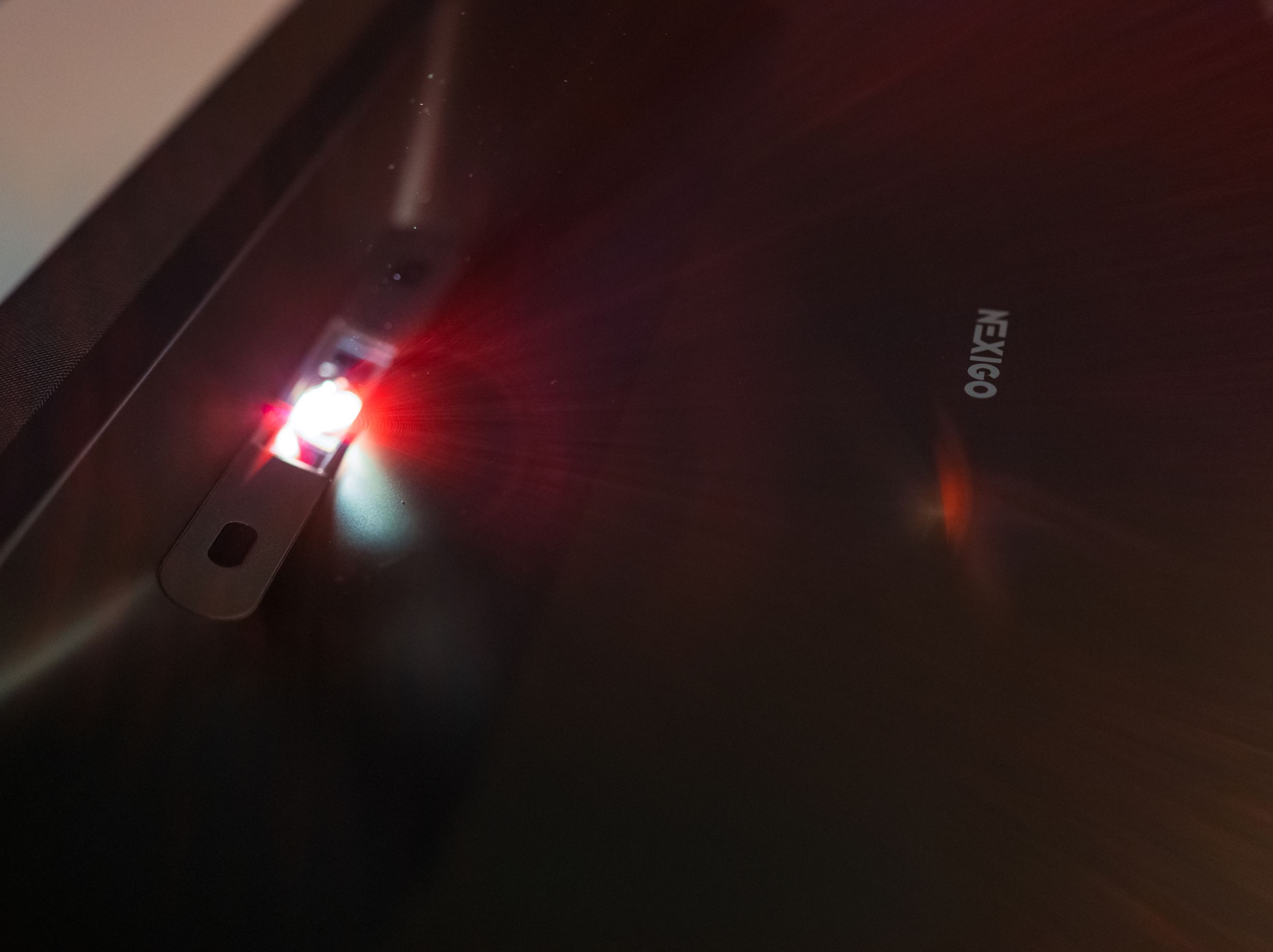
Dynamic Iris is a feature of the NexiGo Aurora Pro MKII that increases contrast by controlling the amount of light allowed to pass through the lens, depending on the content currently on screen.
In dark scenes, Dynamic Iris restricts light from passing through the lens, resulting in inky blacks and rich shadow details. In bright scenes, it lets more light through, revealing bright, glowing highlights.
To visualize this, it’s helpful to think of the aperture of a lens. As the aperture decreases, the opening of the lens shrinks to allow less light to pass through.

As the lens opening shrinks, less light passes through to the camera sensor
How does Dynamic Iris improve contrast and black levels in projectors?
Dynamic Iris reacts intelligently to the content on-screen, dynamically adjusting light levels based on each individual frame. In dark frames less light passes through the lens, while in bright scenes the lens allows more light to pass through.
With these real-time adjustments tailored to each individual frame, Dynamic Iris lowers black levels without sacrificing highlights. Overall, this results in higher contrast and more shadow detail.
When Dynamic Iris is enabled, the NexiGo Aurora Pro MKII can produce true black in dark scenes. And without extra light, you’ll find details in the shadows begin to reveal themselves. Subtle differences in dark areas of the scene become easy to detect on the NexiGo Aurora Pro MKII, while they would have been washed-out or murky on a low quality display.

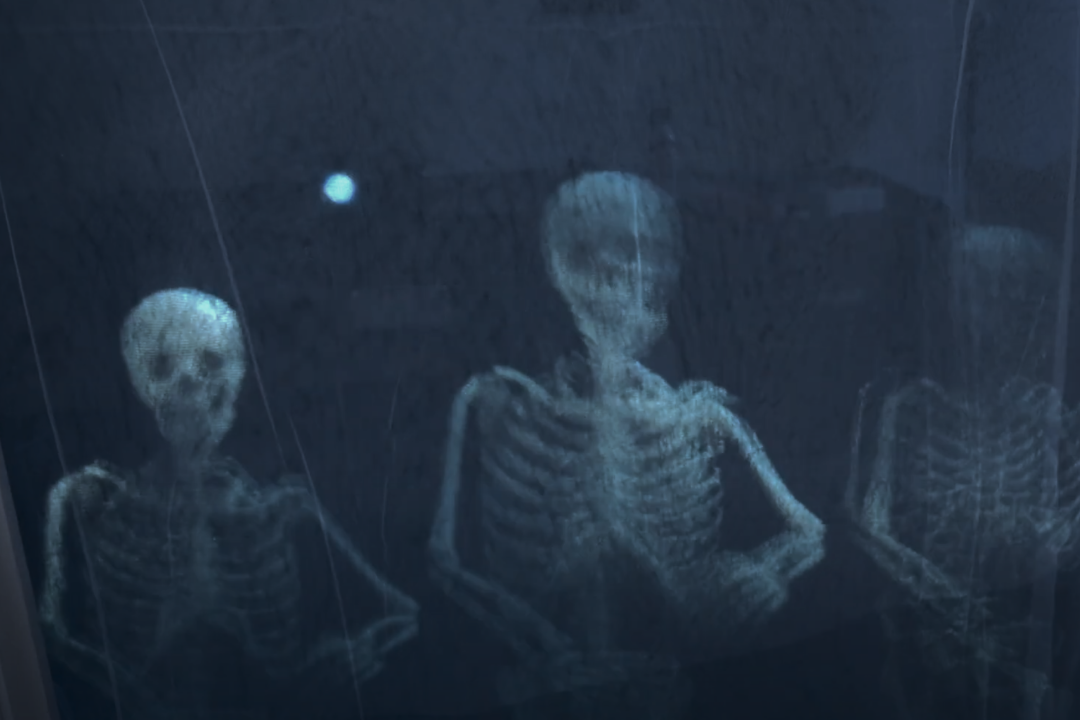
Dark scenes on the NexiGo Aurora Pro MKII are filled with detail in the shadows
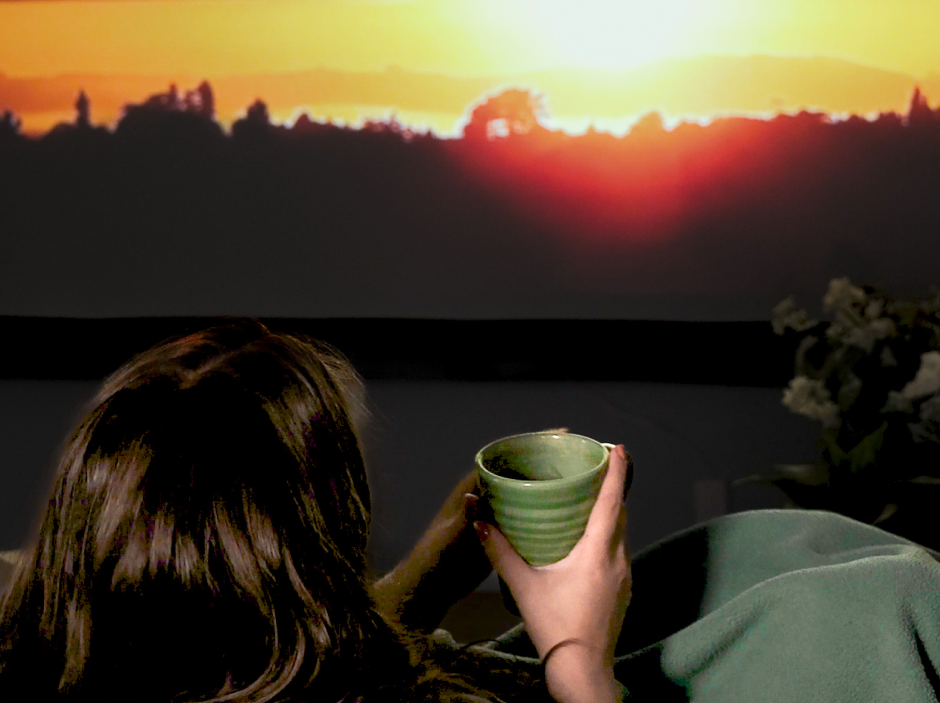
However, with Dynamic Iris the projector doesn’t get darker overall. On the contrary — bright scenes look even brighter because the Dynamic Iris opens wide to let all that wonderful laser light shine through. As a result, you’ll get better contrast overall, with lower black levels in dark scenes and brighter highlights in bright scenes.

Bright scenes on the Aurora Pro MKII are brilliant and saturated
This means that Dynamic Iris is great for watching movies and playing video games. Any time when the scene goes from really dark to really bright, the Dynamic Iris leaps into action, bringing out the best of both.
Should I leave Dynamic Iris on or off?
If you value high contrast and true-to-life visuals, Dynamic Iris is essential. With the addition of Dynamic Iris, the dynamic contrast of the Aurora Pro line increased substanitally, from 6000:1 on the MKI to a whopping >30,000:1 on the MKII. That’s a 500%+ improvement!
Dynamic Iris dramatically improves the dynamic contrast of a projector, and for that reason it’s best to turn this feature on.
How to set Dynamic Iris on NexiGo Aurora Pro MKII
You can enable Dynamic Iris on the Aurora Pro MKII by pressing the Menu button and going to Scene Adapt Engine > Status and choose a Dynamic Iris mode: Iris Bright, Iris Lite, Iris Custom, or Iris Dark. We recommend Iris Dark as a starting point before adjusting it to your preferences.
So now we have a sense of how Dynamic Iris is related to dynamic contrast. But let’s back up — what exactly is dynamic contrast? How do you read a contrast ratio? Why is it important and why should you care about dynamic contrast over native contrast? Let’s dive in.
What is "dynamic contrast" on a projector?
Dynamic contrast is a measure of how much contrast a projector has after any software-based optimization. This is compared to native contrast, which is the difference between the lightest and darkest value on a projector out of the box, before any optimization.
Both dynamic contrast and native contrast are measured by a contrast ratio.
What is "contrast ratio" on a projector?
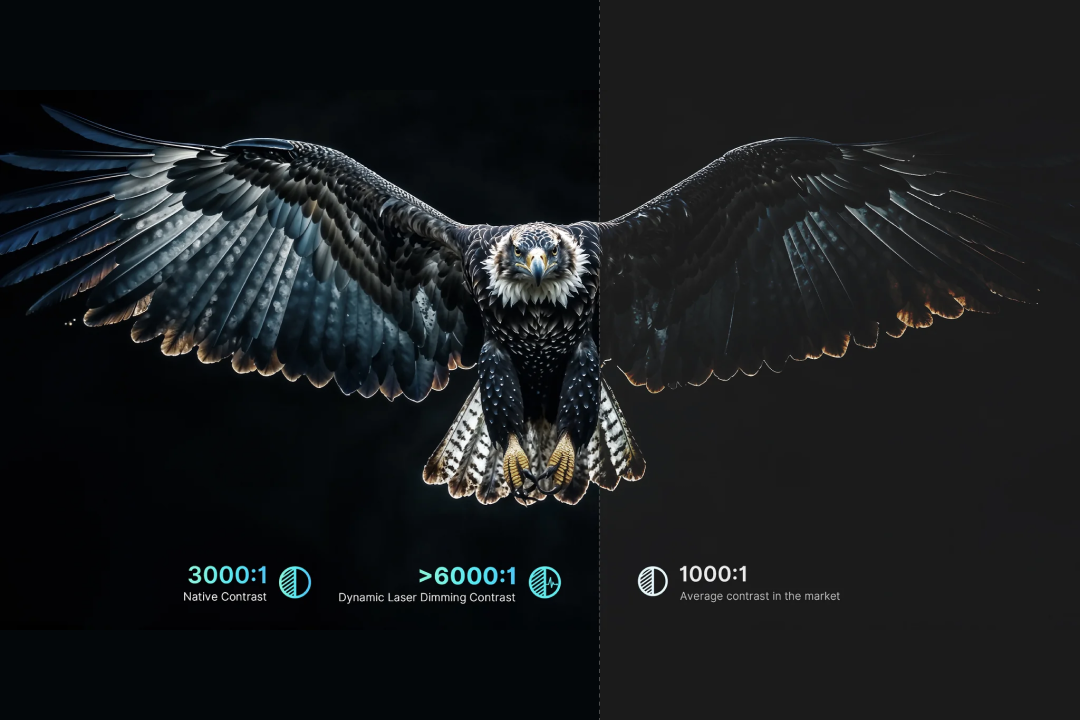
The contrast ratio measures the difference between the darkest value (black) and the brightest value (white) when displayed on a projector. When you’re shopping for a projector, you might see something in the specifications that says “Contrast Ratio: 1,500:1”.
With a contrast ratio of 1,500:1, this means that for every 1 nit of light at the darkest possible value, there are 1,500 nits of light at the brightest possible value.
The larger the first value is, the higher the contrast — so a contrast ratio of 3,000:1 would be twice as much contrast as 1,500:1.
Why is contrast important for projectors?
Contrast ratio is important because projectors can only approximate black by dimming the light source. Unlike OLED TVs, they cannot turn off the light source entirely.
But the higher the contrast, the more OLED-like the projector can appear.

At CES 2025, NexiGo Aurora Pro MKII debuted with show-stopping color and contrast.
One of the ways to increase contrast is to use a stronger light source like laser to get the brightest value to be even brighter.
But without a low black level, even the brightest projector in the world will have low contrast. Great contrast comes from optimizing both ends of the spectrum. In other words, you need the darkest black value and the brightest white value possible.
This requires nuanced control over the light source. Dark values need to be dimmed as low as possible without darkening the highlights too.
By adjusting the projector's light source based on the content on-screen, the projector can push black levels lower in dark scenes while increasing brightness in bright scenes. This results in a much higher contrast ratio called Dynamic Contrast.
Which is better: native or dynamic ratio?
Both dynamic contrast and native contrast are important.
Dynamic contrast increases overall contrast, pushing the projector to its physical limits. It makes images crisp and bold, with improved clarity, shadows, and color. Dynamic contrast makes the difference between a dull or washed-out image and an image with vibrant colors that make the scene come alive.
But dynamic contrast can’t make up for poor native contrast. Dynamic contrast does not always reflect real-world viewing conditions. If you're watching a game or sitcom on your projector, then it's likely that the content won't change that much from scene-to-scene. Most scenes will be moderately lit, leaving need for deep blacks and bright highlights. In these situations, dynamic contrast won't change your experience that much. Instead, you'll want a well-optimized projector that comes with great contrast out-of-the-box, regardless of what's on screen.
Finding a projector with great all-around contrast
If you want a well-rounded projector with great contrast all around, then keep an eye out for these three features:
- Dynamic Contrast Ratio (look for something over 10,000:1)
- Dynamic Contrast Features (“dynamic laser dimming” is better than “local dimming”)
- Light Source Type (laser is better than LCD or DLP)
What is a good dynamic contrast?
5,000:1 is a good dynamic contrast for a projector. However, projectors with the best contrast will have not only a very high dynamic contrast, but a high native contrast, too. A good native contrast ratio is 1500:1.
Best contrast for a projector
| Type of Contrast | Fair | Good | Excellent |
|---|---|---|---|
| Native Contrast | 1,000:1 | 1,500:1 | 3,000:1 |
| Dynamic Contrast | 3,000:1 | 5,000:1 | 15,000:1 |
NexiGo projectors are designed to have nuanced, precise control over the lighting. This results in a better viewing experience and much higher contrast.
The NexiGo Aurora Pro MKII has incredible native contrast at 4,000:1, plus a supercharged dynamic contrast of over 30,000:1. This results in eye-catching visuals with inky blacks and vibrant, glowing brights.
The NexiGo TriVision Ultra has a good native contrast of 1,500:1. Depending on exact settings, dynamic contrast can range from 10,000:1 to a whopping 100,000:1. This makes the TriVision more resilient against ambient light, perfect for daytime and nighttime viewing.
What is the difference between Dynamic Black and Dynamic Iris?
There are several types of Dynamic Contrast, including Dynamic Black and Dynamic Iris. Both lower the black level of your NexiGo projector by adapting in real time to the content on-screen. However, they target the contrast at different points in the projection process.
While Dynamic Black aims to lower the brightness of the laser light source, Dynamic Iris lowers the brightness at the lens.
With both features enabled, you can get a contrast ratio over 30,000:1 on the NexiGo Aurora Pro MKII.
Dynamic Black: Lowers black levels
Dynamic Black works by dimming the laser during dark scenes and brightening it during lighter scenes. As a result, viewers will enjoy lower black levels and up to 30% reduced energy consumption.
Dynamic Iris: Reduces amount of light
Dynamic Iris reduces the amount of light theat passes through the lens of a projector. Like the iris of your eye, this software feature adjusts the lens opening to control how much light gets through. In dark scenes, the iris narrows to reduce the amount of light that gets through. In bright scenes, it widens to allow more light.
That way, you get the best of both worlds: luxuriously deep blacks with vibrant, glowing brights.
Projectors with Dynamic Iris
The NexiGo Aurora Pro MKII is currently the only projector to use Dynamic Iris. However, there are plenty of other dynamic contrast features available in other projectors.
| Projector | Dynamic Contrast Features |
|---|---|
| NexiGo Aurora Pro MKII | Dynamic Black, Dynamic Iris, Scene Adapt Engine |
| NexiGo Aurora Pro | Dynamic Black |
| NexiGo TriVision Utlra | Dynamic Contrast, Scene-Adaptive Gamma |
| NexiGo Nova Mini | Adaptive Luma Control, Local Contrast Control, Scene Adapt Engine |
| NexiGo PJ40 Pro | Adaptive Luma Control, Local Contrast Control |
Not sure what some of these features are? Keep reading and we'll get into it.
Other Dynamic Contrast Features
There are many features that fall under the umbrella of "dynamic contrast features". These include not only Dynamic Black and Dynamic Iris, but also dynamic laser dimming, local contrast control, adaptive luma control, and scene-adaptive gamma.
What is Dynamic Laser Dimming?
Dynamic laser dimming adjusts the intensity of your laser projector based on the content on-screen.
Dynamic Black is a type of dynamic laser dimming, but not all dynamic laser dimming is also Dynamic Black. While Dynamic Black adjusts the intensity of the laser with the same pixel-by-pixel accuracy across the whole screen, some forms of dynamic laser dimming may only target certain sections of the screen.
What is Local Contrast Control?
Local contrast control or “local dimming” enhances light and shadow in different sections of the screen, rather than adjusting whole screen at once. That way, the shadows are deepened to create a more dynamic and vivid image without dimming or dulling the highlights on your projector.
What is Adaptive Luma Control?
Adaptive Luma Control dynamically adjusts the brightness or luminance in different sections of the screen. This enhances contrast and detail on your projector, especially in the highlights.
What is Scene-Adaptive Gamma?
Scene-Adaptive Gamma automatically optimizes brightness, contrast, and color based on the current scene, resulting in a more vibrant and realistic viewing experience.
What is Scene Adapt Engine (SAE)?
Scene Adapt Engine (SAE) is a next-generation image processing system designed to enhance visual quality through intelligent, real-time frame analysis.
Trained on over 50,000 hours of raw movie data, SAE leverages machine learning to understand and predict how scenes evolve, frame by frame. By combining precise frame-by-frame analysis with predictive algorithms, SAE delivers fast, adaptive image adjustments with minimal visual artifacts. It responds instantly to scene changes, ensuring smooth transitions and consistently optimized picture quality.
SAE is especially effective in dark scenes, applying advanced gamma correction to preserve shadow detail and depth without sacrificing contrast. Its predictive frame generation significantly reduces motion blur and artifacts, resulting in a clearer, more stable viewing experience.
Key Features of Scene Adapt Engine
- Real-Time Frame Analysis: Instantly adapts to scene changes for smoother transitions and optimized picture quality.
- Enhanced Dark Scene Performance: Uses intelligent gamma correction to preserve detail and improve contrast in low-light scenes.
- Predictive Motion Processing: Leverages machine learning to anticipate the next frame, reducing blur and enhancing motion clarity.
Best Projectors for Dynamic Contrast
The Aurora Pro MKII has incredible contrast, some of the best in its price range. Its 4000:1 native contrast is increased to over 30,000:1 with dynamic contrast features enabled. The image is further enhanced by its secret weapon: Scene Adapt Engine (SAE).
Best Projector for Home Theater Use: NexiGo Aurora Pro MKII (>30,000:1 Dynamic Contrast)
The NexiGo Aurora Pro MKII leads the pack in contrast performance. With a native contrast ratio of 4,000:1 that expands to over 30,000:1 when Dynamic Iris and Dynamic Black are enabled, it delivers deep, inky blacks and bright, glowing highlights rarely seen in projectors at this price point.
Thanks to its laser light source and Scene Adapt Engine (SAE), dark scenes reveal rich shadow detail, while bright scenes stay vibrant and clear — making the Aurora Pro MKII ideal for home theater enthusiasts who demand cinema-like visuals day or night.
Best Projector for Outdoor Use: NexiGo TriVision Ultra (>100,000:1 Dynamic Contrast)
The NexiGo TriVision Ultra strikes a powerful balance between contrast and brightness. With a native contrast of 1,500:1 and dynamic contrast that can exceed 100,000:1 via adaptive technologies like Scene-Adaptive Gamma, it holds its own in both daylight and evening settings.
Combined with 2600 ANSI lumens of brightness, the TriVision Ultra produces vivid visuals with eye-catching highlights and improved shadow depth, making it one of the top choices for backyard movie nights, daylight viewing, and versatile use cases where both contrast and sheer brightness matter.
Best Projector for Bedroom Use: NexiGo Nova Mini (15,000:1 Dynamic Contrast)
The NexiGo Nova Mini delivers surprising contrast from such a compact projector. It has a solid native contrast of around 1,000:1, which can scale up to ~15,000:1 with dynamic contrast features like Local Contrast Control and Adaptive Luma Control.
While not as extreme as larger laser units, the Nova Mini still produces crisp darks and bright highlights for its size, making it a great pick for bedrooms, small spaces, and everyday viewing — especially when paired with the optional gimbal stand for projecting onto the ceiling.
Frequently Asked Questions
Whether you work at home or in the office, NexiGo provides a wide range of quality and affordable technology to elevate your daily life. Our products encompass everything from webcams and portable monitors to projectors and gaming accessories.
Articles we think you'll love