5 Creative Ways to Use your Portable Projector
Rachelle Hanna | October 6, 2026
Decades ago, the mobility of projectors was heavily restricted, once confined to the little black projection booths overlooking entranced moviegoers, along with stuffy gray classrooms as teacher aides, to the chagrin of students.
But with time, the demand for at-home entertainment soared, laptops and phones began to shrink as their power expanded, and people started to seek out ways to take a cinematic experience wherever they wanted, wherever they needed. These combined forces led to the projector slowly making its way into modern homes in the form of portable projectors.
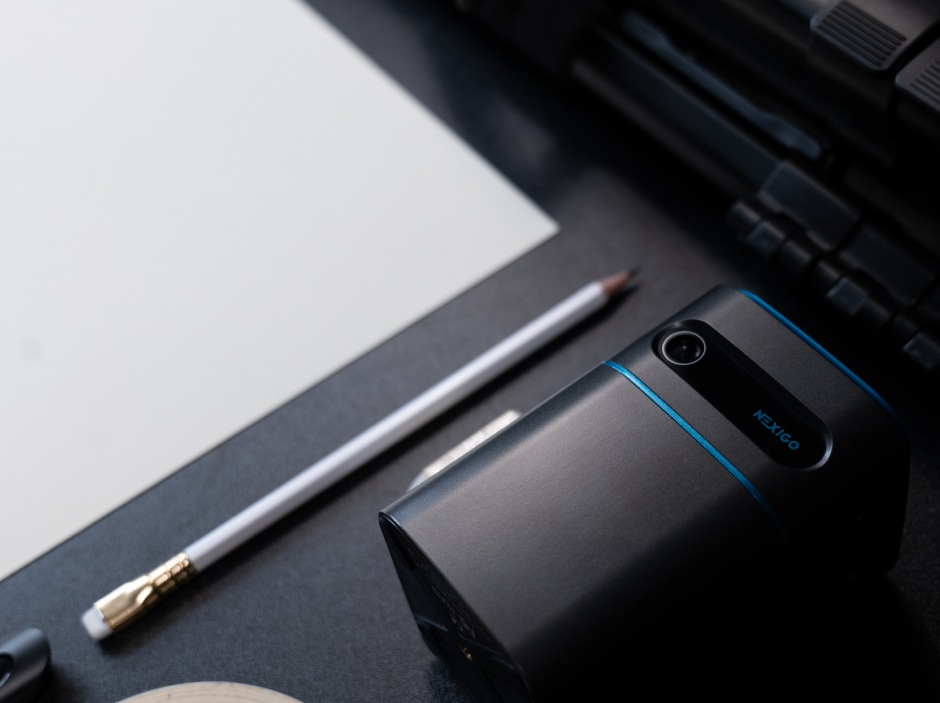
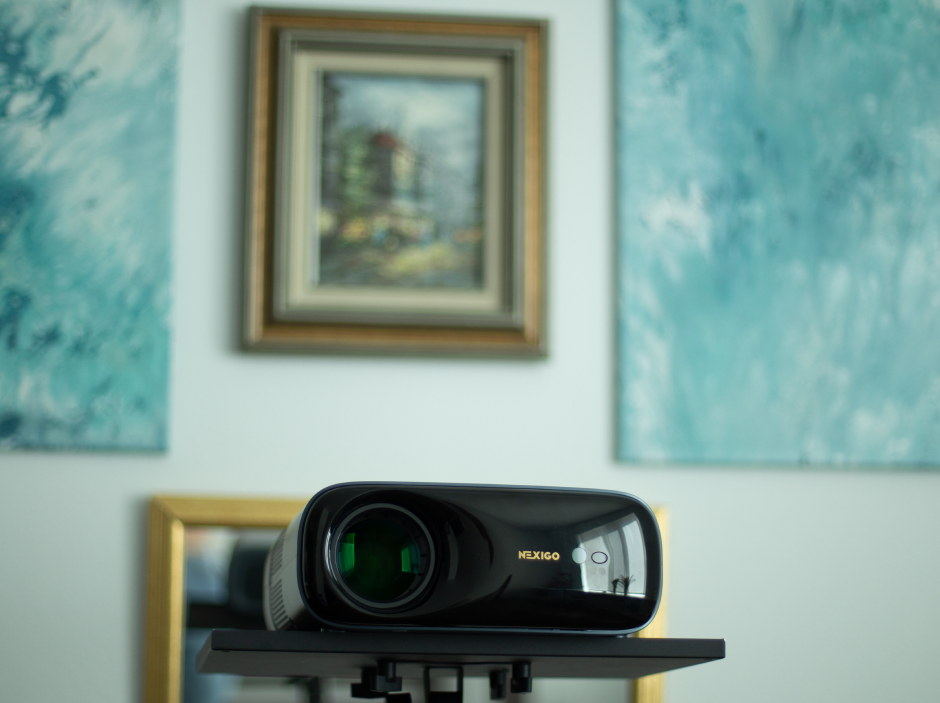
With time, the evolution and popularity of these devices expanded rapidly, sought after thanks to their ease of use and lightweight, flexible nature. The NexiGo Nova Mini Lite, for example, particularly stands out for its built-in Google TV, crisp visuals thanks to its SAE laser technology, and portability, weighing just three pounds.
With that being said, the capabilities of the Nova Mini Lite and other portable projectors go beyond just epic movie nights. In this article, I’m going to share five creative things you can do with your portable projector!
Key Points
- Make the process of displaying wall decor or creating art easier with a portable projector. With just a few supplies and a way to cast an image onto your projector (such as an HDMI cable, screencasting, or a USB drive), you can personalize your living space with speed and efficiency.
- Take your favorite movies and shows wherever you want with a portable projector, whether it's in your backyard, a tent, or your bedroom ceiling.
- Cooking just got a lot easier with a portable projector. Project your recipe anywhere in your kitchen without having to worry about your screen blacking out.
1. Displaying Wall Decor
The process of decorating your walls can come with sudden complications and moments of frustration. Visualizing where to display your wall decor, then trying to figure out measurements and where to place nails without leaving tons of holes can be overwhelming without proper help.
Luckily, portable projectors like the NexiGo Nova Mini Lite can simplify the process and make your home feel even more like you!

Simplify the process of personalizing your wall!
Here are a few simple steps you can take to accomplish your ideal interior design, while saving time, money, and a bit of your sanity!
If you’re seeking more detailed instructions or prefer to learn visually, see these previous installments that cover this topic, or keep scrolling for brief written instructions!
- Full Blog: How to Build a Gallery Wall the Easy Way with a Projector
- YouTube Video: Designing the Perfect Projector Wall Setup | Step-by-Step Guide
- Instagram Reel: ✨DIY wall glow up✨
Quick How-To Guide
Step 1: Measure the width and height of your wall decor using measuring tape or any reliable measuring tool.
Step 2: Look at your wall and visualize where you want your wall decor to go. Decide how far you want your artwork to spread. Then, using a pencil, make L-shaped marks on your wall to outline your total work area. Then, measure the width and height of this area and write it down.
Step 3: Use the following formula to convert your measurements into pixels (do this separately for width and height):
Pixels = inches * 96 PPI
(96 is the standard PPI, or pixels per inch, for projectors)
Step 4: Using Adobe Photoshop, Figma, or any graphic editing software you prefer, make a digital version of your living room. A few things to note:
- When you open a new file, make sure its dimensions match the width and height of your wall area you measured in step 2.
- When you create shapes to mimic your wall decor, make sure the width and height match the measurements you recorded for your home decor.
- Set resolution to 96 pixels/inch (PPI) if you’re using Adobe Photoshop.

Step 5: Design your layout by arranging your shapes however you see fit.
Step 6: Find a way to load your image onto your projector (use an HDMI cord to connect your computer, or load your image onto a USB drive). Point your projector to the wall, adjusting so the corners of the screen match the L-Shaped markers you made in Step 2.
2. Creating Your Own Artwork
As someone who does not consider themself a skilled artist, the Nova Mini is great to have on those days when I want to glam up my walls with my personal artistic touch, but I lack the knowledge or coordination to make my internal vision a dazzling reality.
If you’re looking for an easy way to begin your arts & crafts era, having a portable projector as your guide can help kickstart your journey.

Add your personal artistic touch to your living space
If you want more detailed information or inspiration on how to create your own art to display using the Nova Mini, see these guides below.
- Full Blog: How to Set Up a Projector in Your Art Studio
- Instagram Reel: Nursery Prep Part 1
Quick How-To Guide
Step 1: Using a USB drive, an HDMI cord, or wireless screencasting (Airplay for Apple, Miracast for Windows, or Chromecast for Android and Chrome), upload your image onto your projector.
Step 2: Find a surface to draw on and secure it so it doesn’t move while you’re drawing.
Step 3: Set up your projector so that the screen fills the entire drawing space. Adjust the settings on your projector as needed.
Step 4: Arrange your space so that you’re ready to draw. Make sure the room is dark enough so you can see the details of your image. Double check to make sure you have all the right materials.
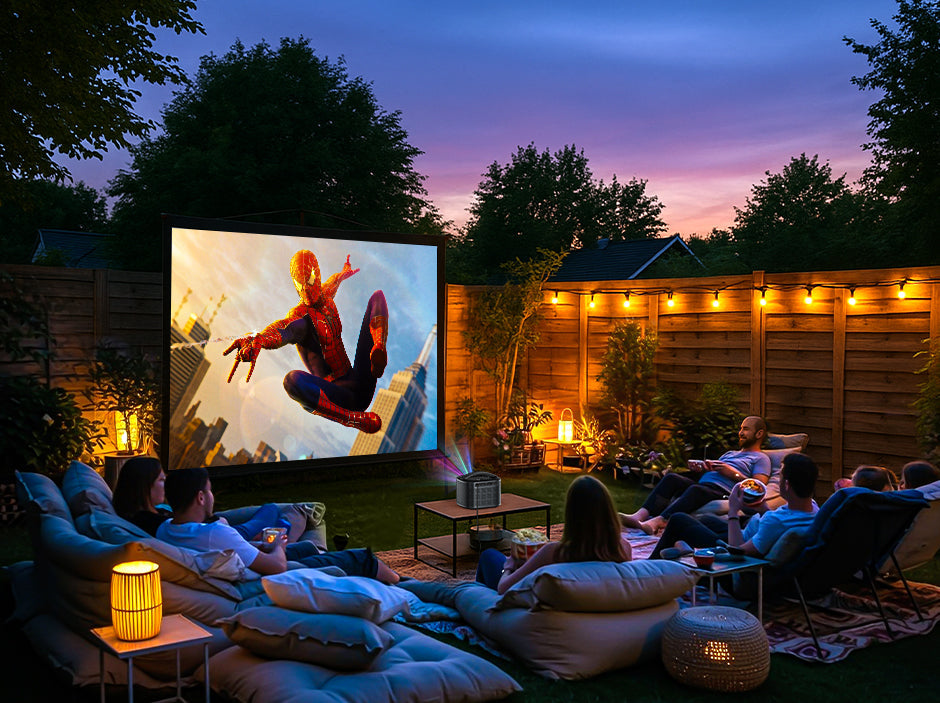
3. Outdoor Movie Night
Who said movie nights had to be restricted to the living room wall or the movie theater? With a portable projector, you can cast your favorite movie or show anytime, anywhere.
Want to take advantage of a warm summer night and set up a movie outside? Great idea! Want to set up a tent and binge Gilmore Girls to prep for the fall season? Done!
Thanks to its lightweight, portable design, you can use a Nova Mini to set up your ideal outdoor movie night wherever you’d like! And with a Gimbal Stand or even a tripod, you can easily adjust where the image is projected without having to raise it up with books or other objects.

Weighing just three pounds and being the size of a small book, the Nova Mini is perfect for taking your favorite shows wherever you desire
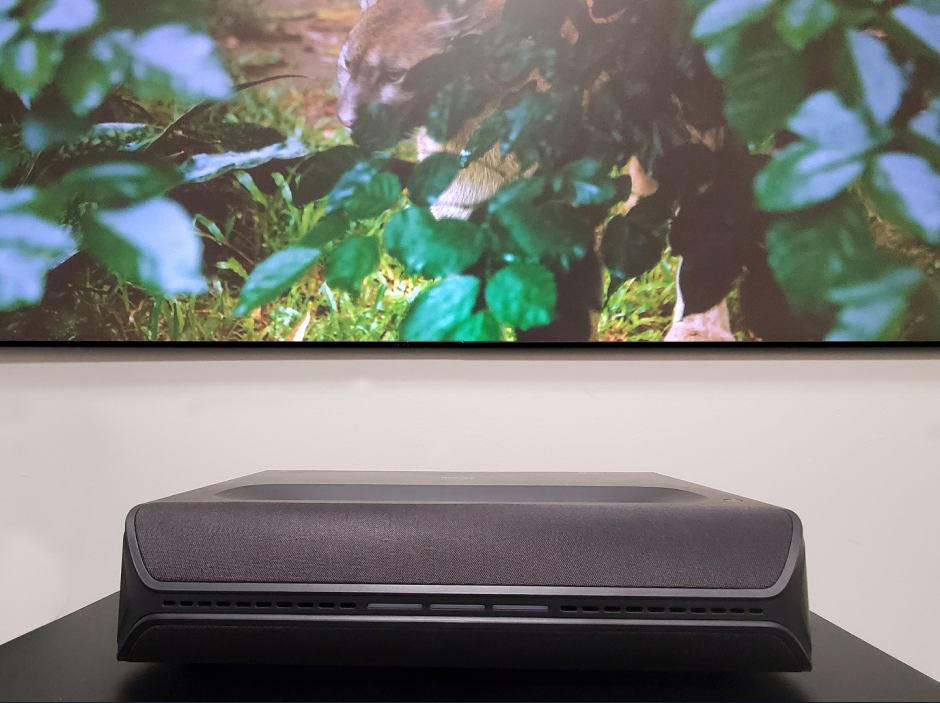
In addition, thanks to its powerful 30 W speakers and crisp visuals, the TriVision Ultra is an excellent choice for taking your outdoor movie nights to the next level, guaranteeing an incredible cinematic experience you can be fully immersed in.
For more details or some quick video tutorials on how to set up the perfect outdoor movie night, see the links below. Otherwise, keep scrolling to find out more!
- Full Blog: How to Set Up a Magical Backyard Movie Night (No Screen, No Wi-Fi? No Problem!)
- Instagram Reel: How to Set Up the Perfect Outdoor Movie Night
- Instagram Reel: Set up my backyard camping with me
Quick How-To Guide
Step 1: Find a smooth surface to project your image onto (or have your tent prepared). I strongly recommend a projector screen, but a white bedsheet or a smooth wall (such as a garage) will work as well.
Step 2: Make sure you have a way to power your projector. If you don’t have an outlet close by, try an extension cord or a portable power station.
Step 3: Prepare your streaming setup. If you have strong Wi-Fi, you can use screen mirroring or a streaming app (NexiGo’s Nova Mini comes with Google TV built in)! If you don’t have reliable Wi-Fi, you can upload a movie onto a USB Drive or use an HDMI cable to connect a laptop or DVD player.
Step 4: Create your ideal movie-watching atmosphere! Grab your favorite snacks, some bug spray, some pillows and blankets, and your favorite people and pets. Once you’re sure everything is plugged in and working, you can enjoy your favorite shows under the evening sky!

Take advantage of a cool, peaceful evening by having an outdoor movie night
4. Bedroom Ceiling Movie Night
Are you finding it too hard to leave the warm, comforting grasp of your comforter, especially when the air around you feels frigid and hostile? Believe me, I’ve been there many times!
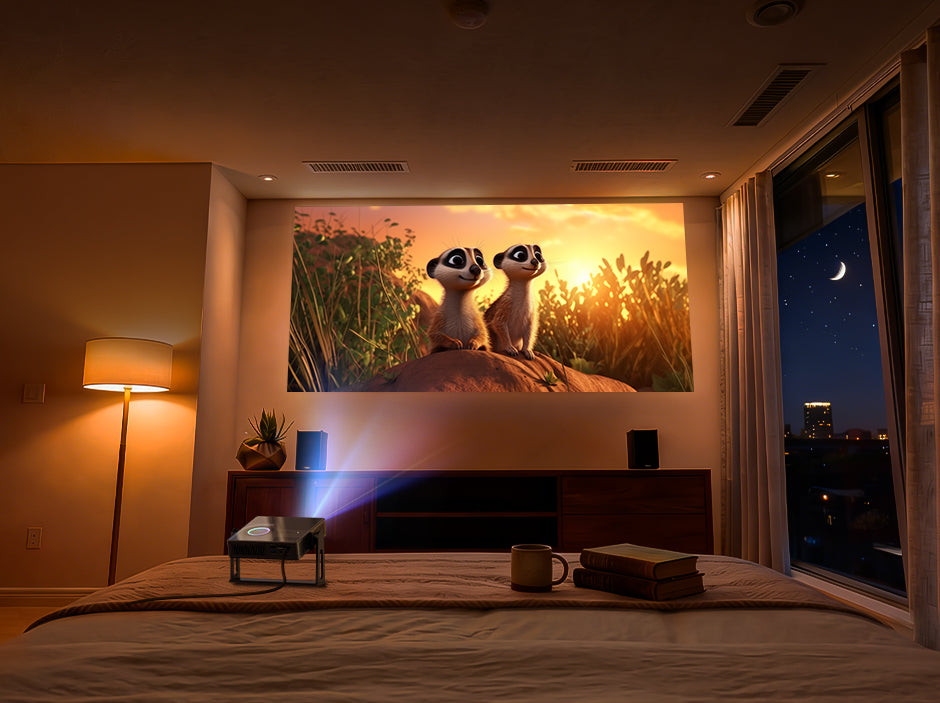
Don’t think epic movie nights have to be reserved for the movie theater or living room. If you want to experience a rich, immersive cinematic experience, but leaving your bed is too tall an order, get out your portable projector!
Even better, the process of setting up just got a whole lot simpler thanks to the Nova Mini and Gimbal Stand. By attaching it to the Gimbal Stand and placing it at the edge of your bed, you can easily adjust its positioning to align with your ceiling.

Enjoy your favorite shows on the ceiling from the comfort of your bed
For more information on bedroom projectors, see this blog below! Otherwise, allow me to share a simple guide to setting up your bedroom ceiling movie night.
Quick How-To Guide
Step 1: Attach your Nova Mini to a gimbal or tripod. Place it on a dresser, table, or bench near the foot of your bed.
Step 2: If your projection is upside down, using the remote, go to Settings > Projection > Projection Type > Ceiling Projection.
Step 3: Use Keystone Correction and/or the focus settings to make sure your image is sharp and level.
QUICK TIP: To make the screen easier on your eyes and ensure you’re not overworking the Nova Mini as you get a good night’s rest, I recommend adjusting the following settings:
- Adjusting the brightness to Night Mode (to reduce blue light)
- Lowering the brightness to your preference (80% is ideal for me)
- Going to power settings and selecting auto sleep
5. Cooking
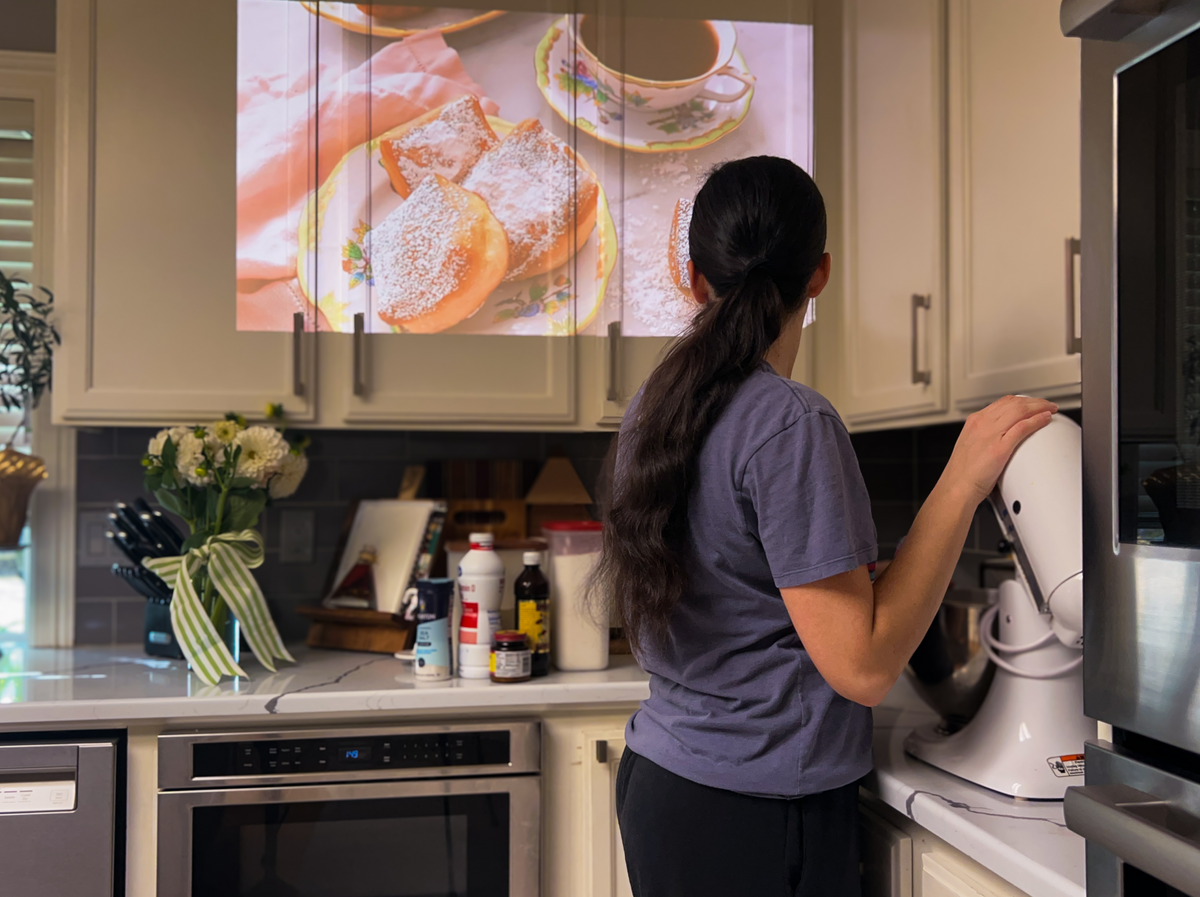
Phones and TVs are great resources to play tutorials for online recipes. But if you’re in the middle of perfecting a recipe, sometimes a TV may be too far away from your kitchen, and even though you can take a phone wherever you need, it can be too small, the screen may time out too quickly, and you certainly don’t wanna get your greasy fingers all over the screen!
Whether you’re hoping to fill your home with the sweet smelling aroma of baked goods, or you want to share an extra dose of love with your family and friends, a portable projector is an ideal sous chef!

Follow a recipe without your screen blacking out
To get started, all you’ll need is a way to project your online tutorial onto your projector and a space where you can cast an image wherever you need without getting food residue on your projector.
Thanks to the Nova Mini's built-in Google TV, you can log onto your YouTube account with ease. But if your tutorial isn’t located on YouTube, you can use a USB drive, an HDMI cable, or a smart device with screencasting to project your guide onto your portable projector.
See below for some inspiration from our Instagram and some of my favorite recipe sources!
| Source | Recipe Link |
|---|---|
| NexiGo Instagram | Cheese danishes Heart-shaped pizza Dutch baby pancakes Cheesy jalapeno bread Miso chocolate chip cookies |
| YouTube Cooking Channels | Preppy Kitchen (suitable for bakers of all skills) Em’s Kitchen (primarily suited for beginners and those seeking meals for one) Binging with Babish (recommended for those who know their way around a kitchen and are seeking to expand their cooking abilities) |
| Online Resources | Allrecipes.com sallysbakingaddiction.com cooking.nyt.com |
Which Projector Should I Buy?
Feeling inspired but still in need of a portable projector? For these projects, I recommend the Nova Mini Lite! With our brand new SAE 2.0 technology, built-in Google TV, and 10 W speakers, you can simplify your DIY projects while enriching your cinematic and game-night experiences with vibrant colors and entrancing surround sound.
And that’s not all! The Nova Mini Lite is our most portable and versatile projector yet, weighing less than 3 pounds and coming equipped with a kickstand that can tilt your projector up to 76 degrees! You can pre-order the Nova Mini Lite here.
Recommended Portable Projectors
| Spec | Nova Mini | Nova Mini Lite | TriVision Ultra |
|---|---|---|---|
| ANSI Lumens | 1200 | 1200 | 2600 |
| Contrast Ratio | >15,000:1 | >30,000: 1 | 10,000:1 |
| Latency | 10 ms | 10 ms | 4.2~8 ms |
| Built-in Speakers | 8 W | 10 W | 30 W |
| 3D | Yes | No | Yes |
| Ceiling Projection | Yes (with gimbal) | Yes | No |
| Recommended For | Wall decorating, Cooking, Bedroom ceiling movie night | Wall decorating, Cooking, Bedroom ceiling movie night, Game night | Outdoor movie nights, Game nights |
| Wattage Requirement | 100 W | 65 W | 300 W |
| Weight | 3.0 lbs | 2.9 lbs | 11.46 lbs |
| Dimensions | 7.8 x 7.8 x 1.96 in. | 7.3 x 7 x 2.3 in. | 11.06 x 9.33 x 9.13 in. |
| Other Features | Google TV, Built-in kickstand | Built-in battery with 2-hour playback time, Full Fade to Black (FTB), Google TV, Built-in kickstand | MEMC Motion, 3D 24p/50p movie mode, Hidden storage for Fire TV Stick |
Final Words
Whether you’re hoping to insert more of yourself into your home through wall decor or original art, seeking encouragement as you start new recipes, or wanting to enhance your movie nights, portable projectors are the perfect solution!
Thanks to the incredible versatility of NexiGo’s portable projectors, combining hassle-free mobility with incredible visual and audio quality, you can accomplish any task with ease and efficiency, decreasing the stress and adding to the fun and sense of fulfillment.
So stay curious and keep trying new things with your portable projector!
Like what we do? Stay tuned for more.
Whether you work at home or in the office, NexiGo provides a wide range of quality and affordable technology to elevate your daily life. Our products encompass everything from webcams and portable monitors to projectors and gaming accessories.
Articles we think you'll love