



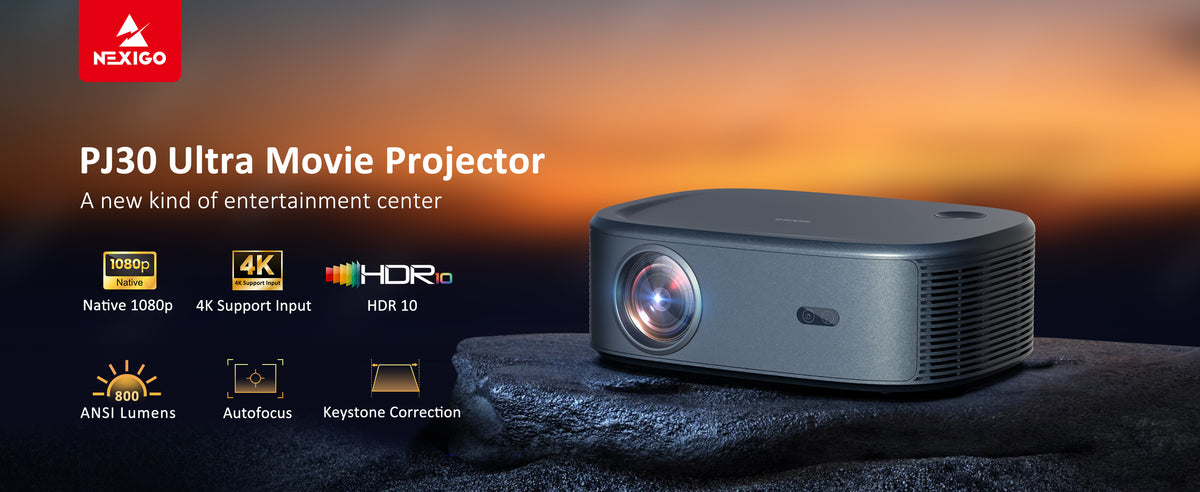
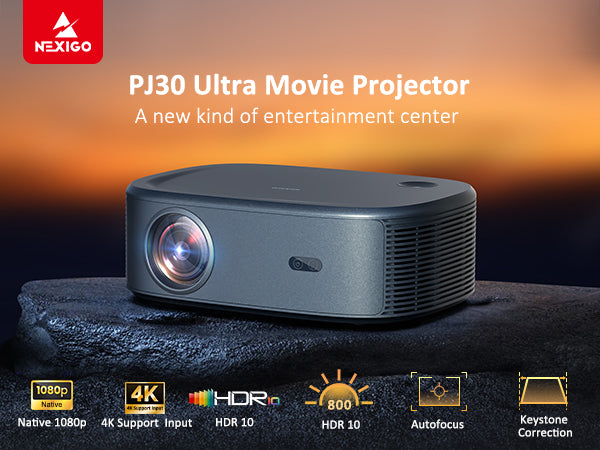
NexiGo PJ30 Ultra LCD Projector with Netflix Officially-Licensed
- Comes with official licenses for Netflix, YouTube, and Prime Video
- Native 1080P resolution & supports 4K input
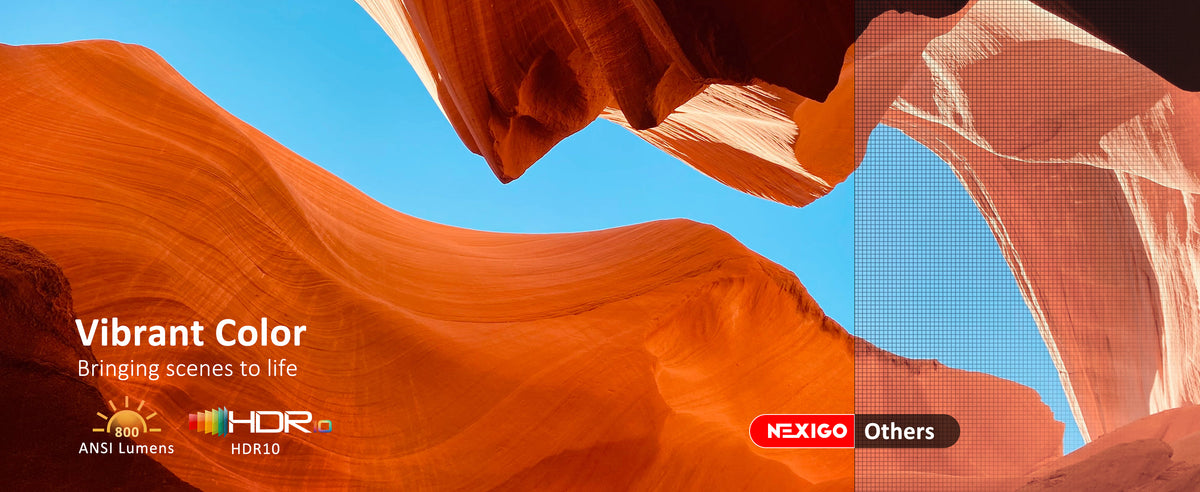
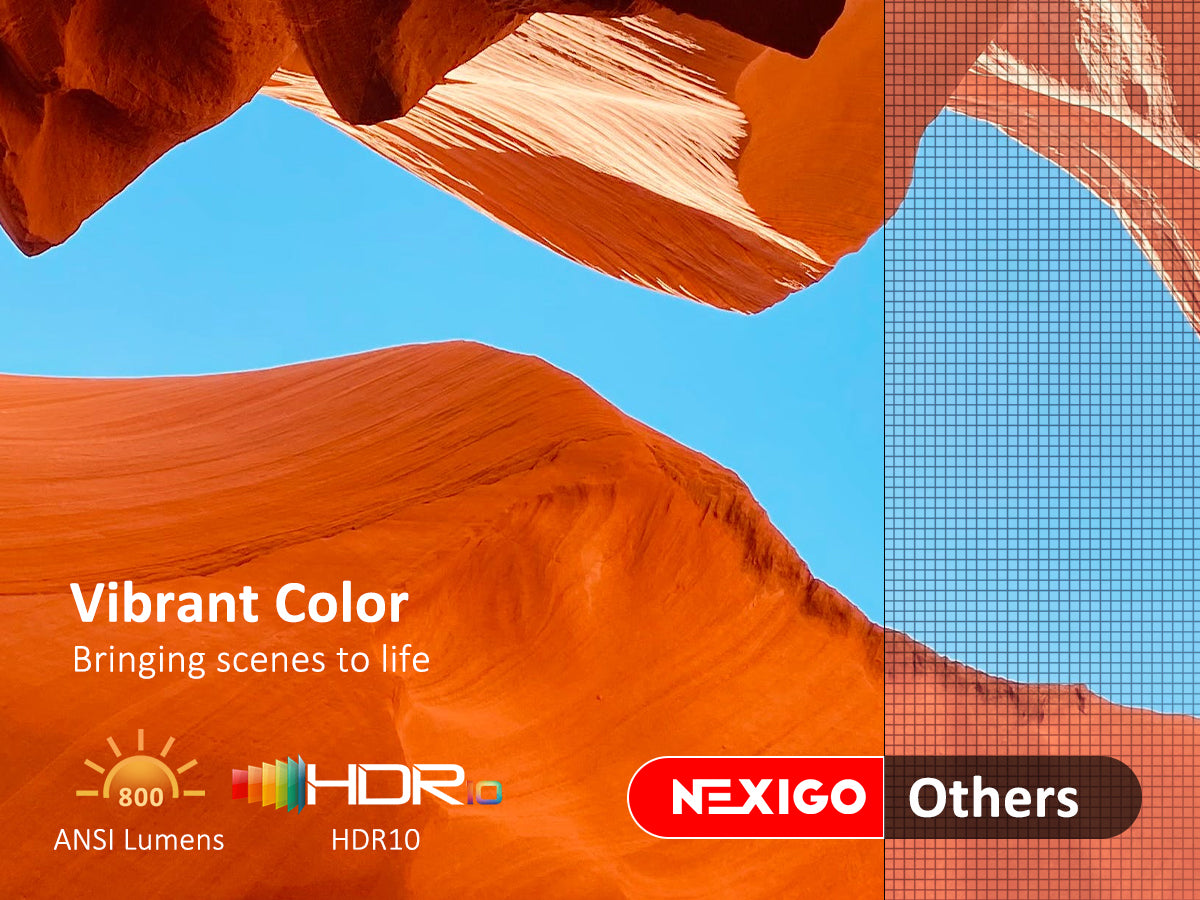
- With 800 ANSI lumens & HDR10 support
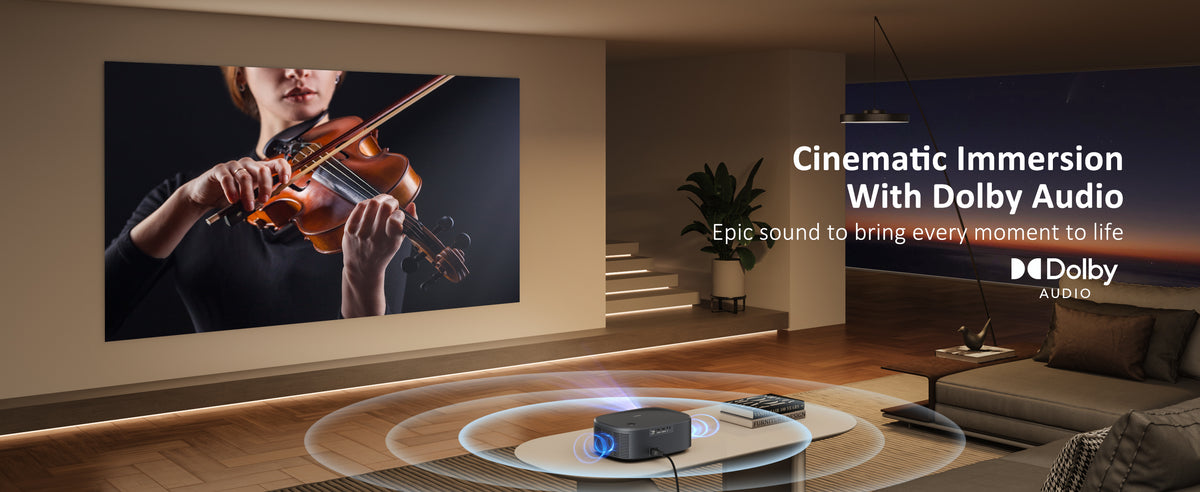
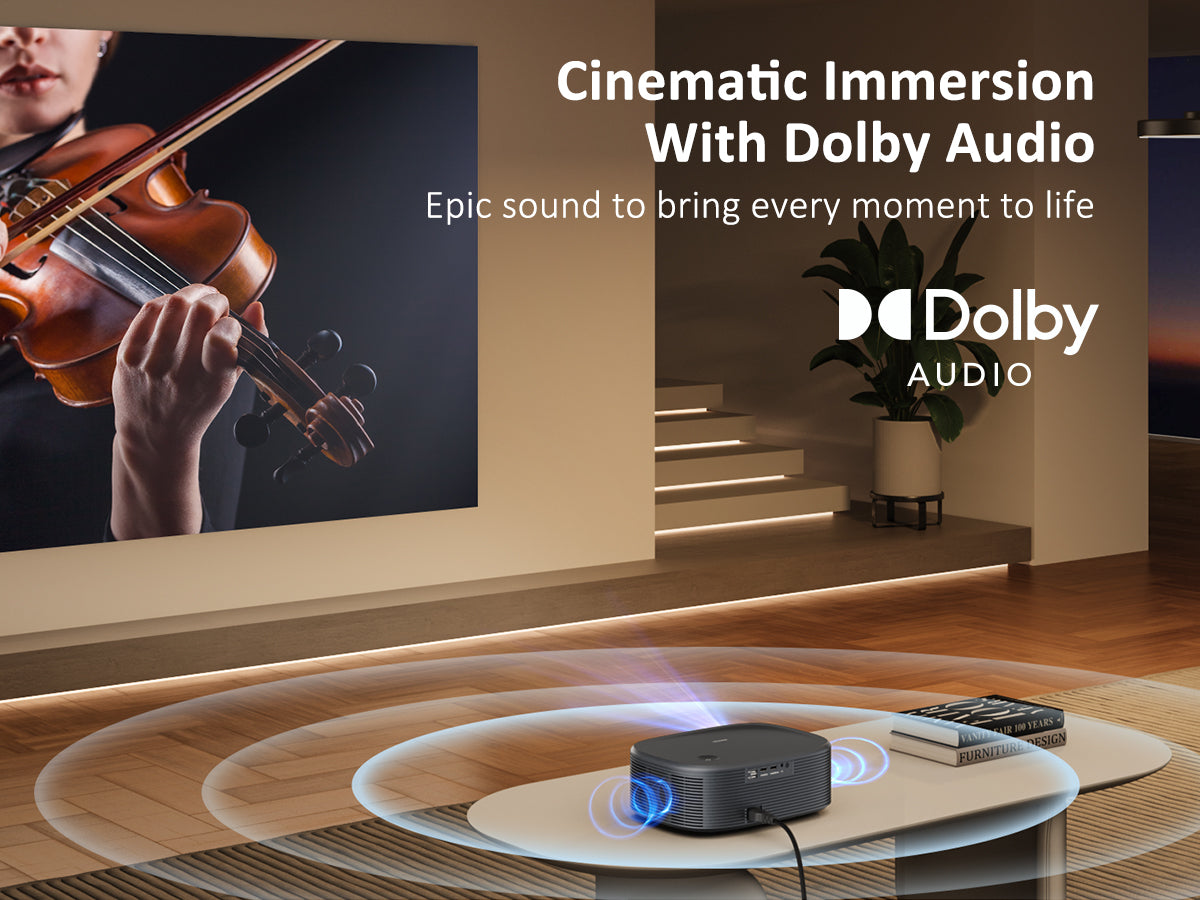
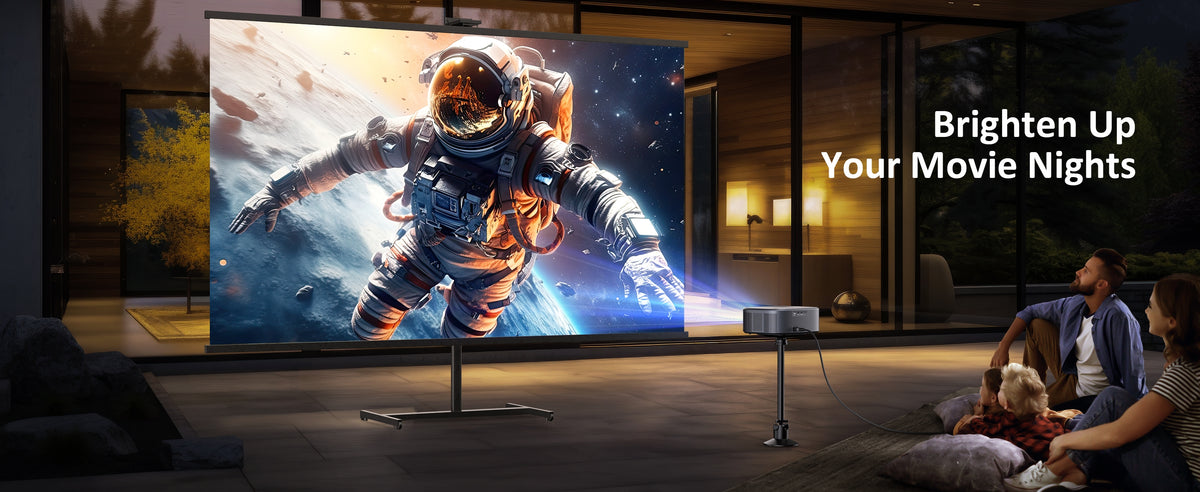
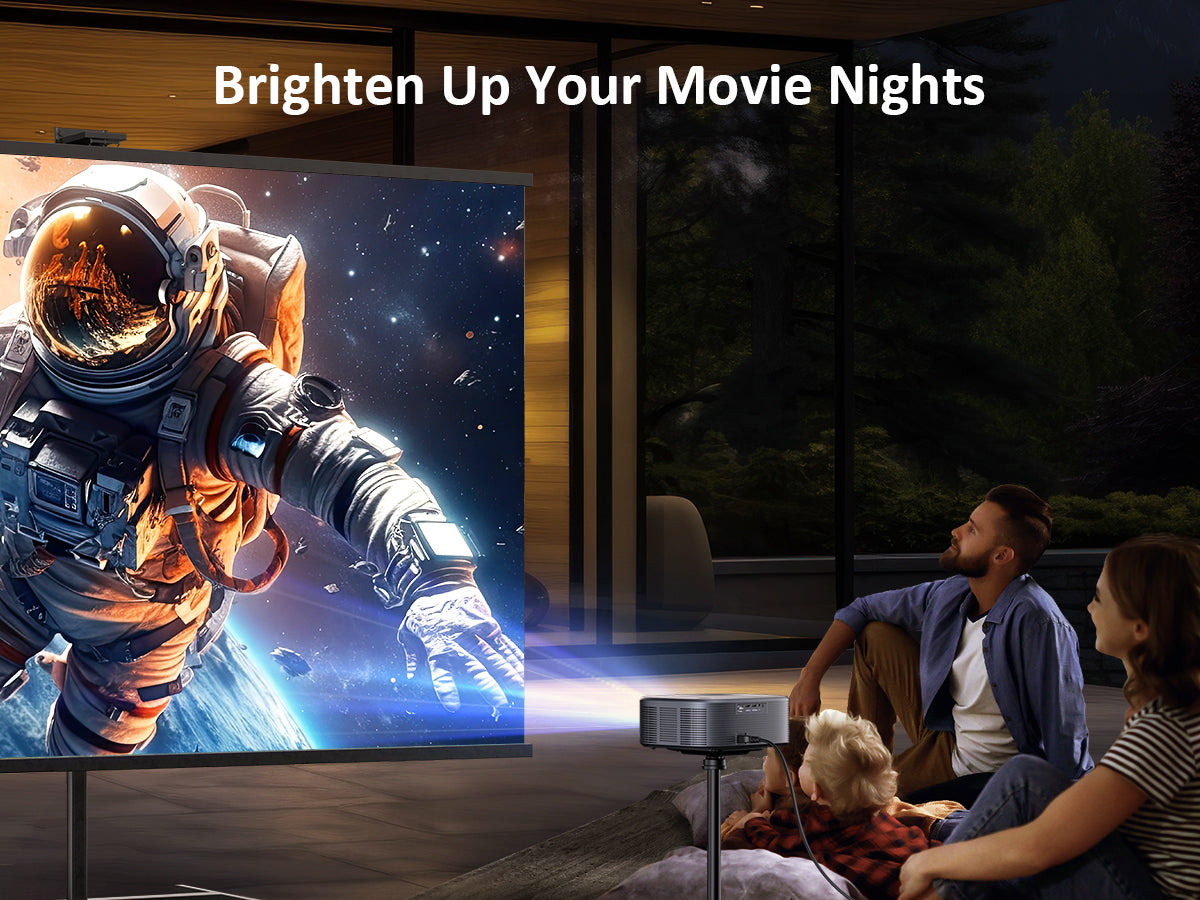
- Dolby Audio support & cinematic 200 inches display
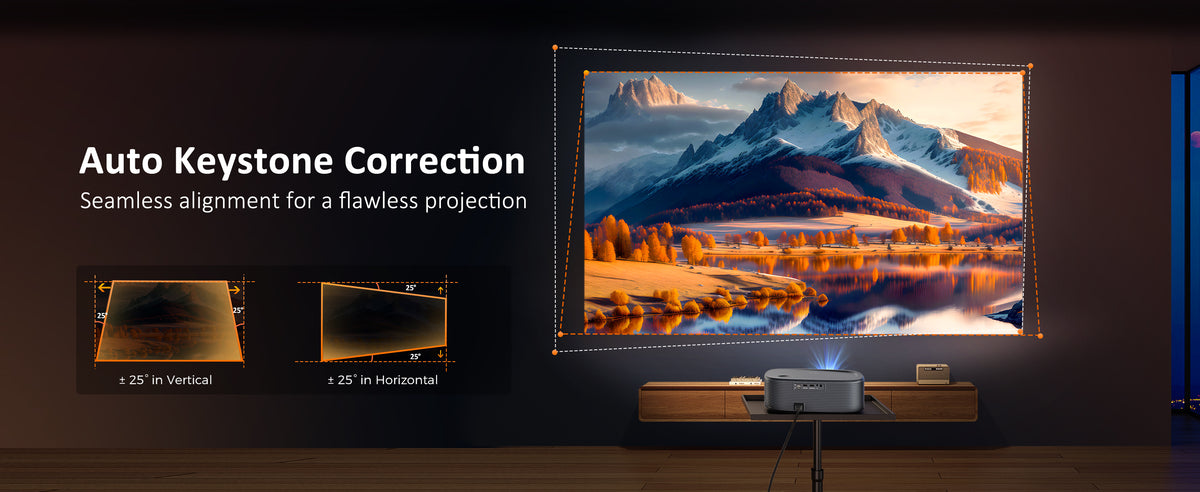
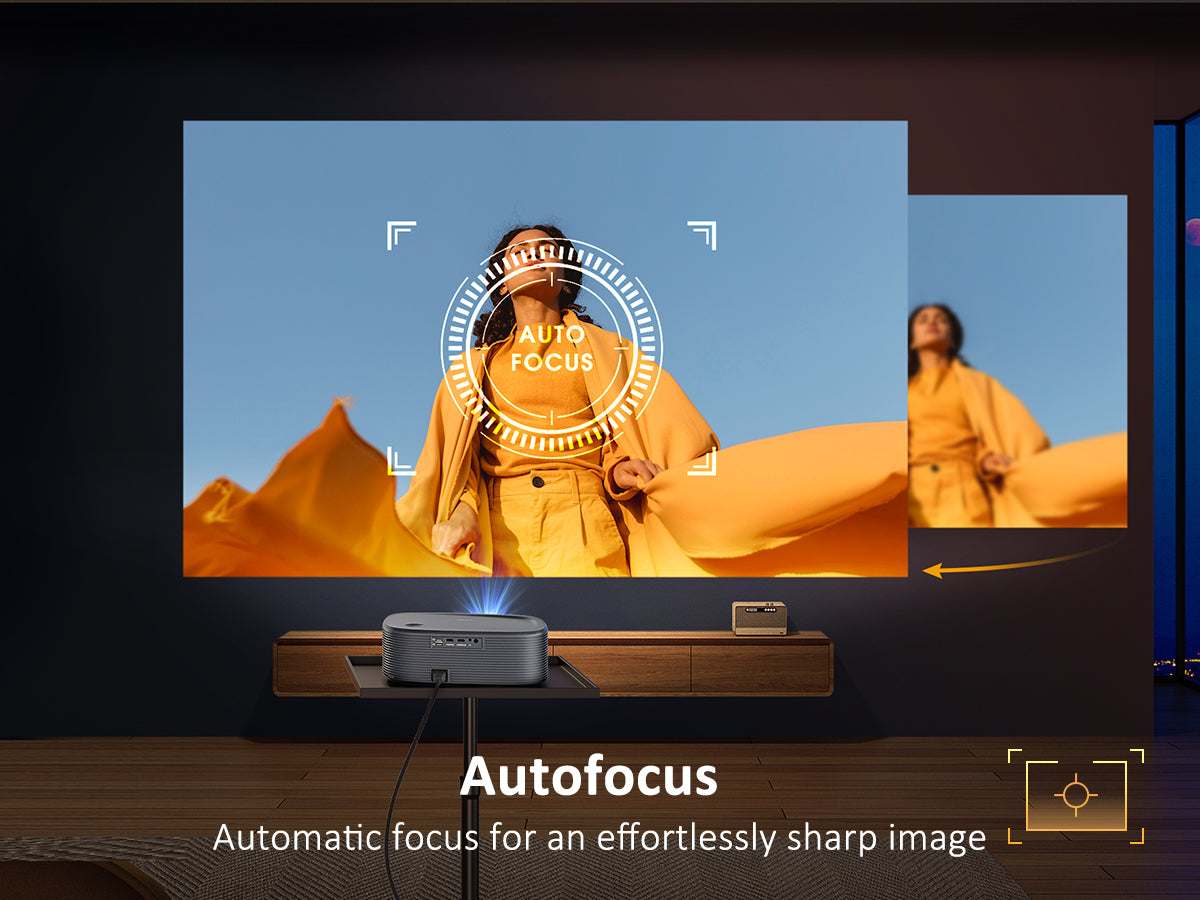
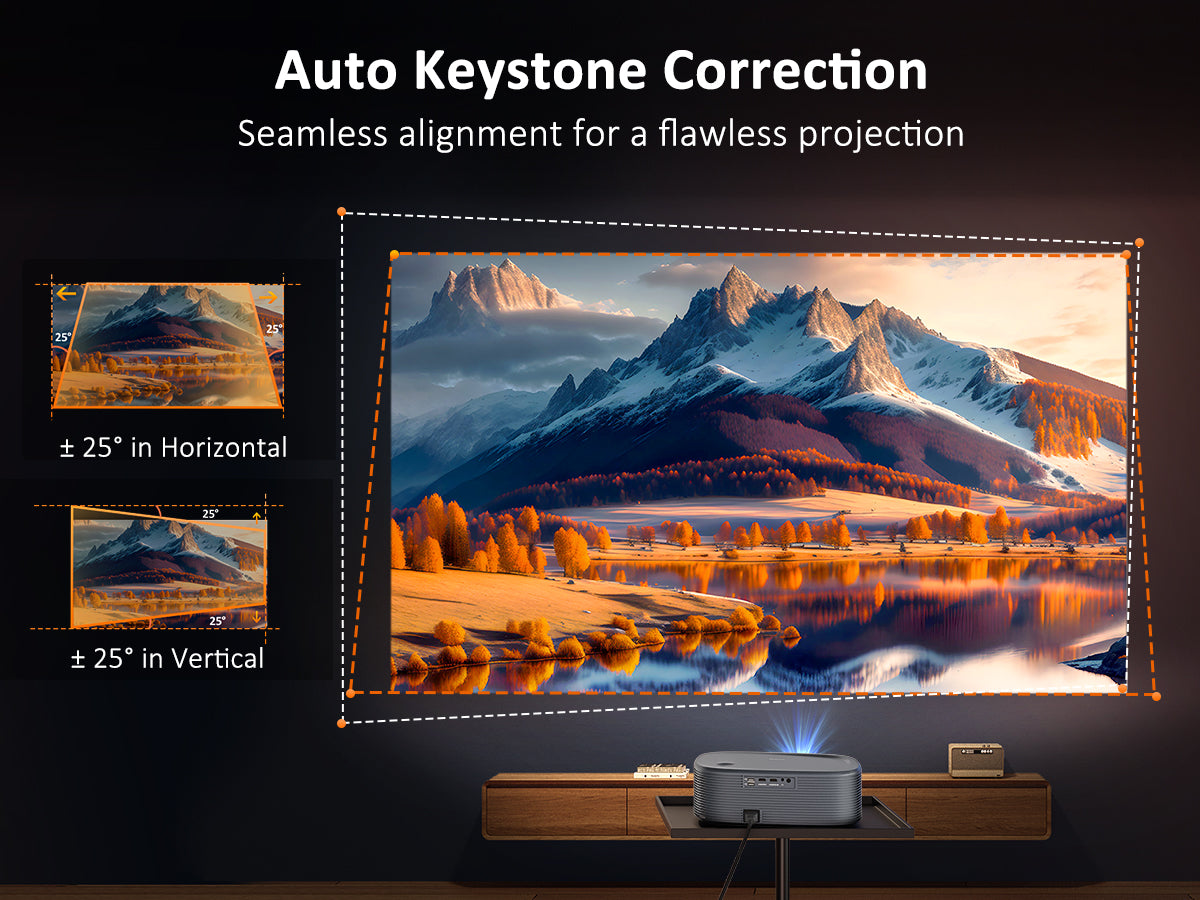
- Auto keystone correction and electronic focus






0:00 Intro
0:11 What’s in the box?
0:23 How do I pair the remote?
0:57 How do I fix distortion?
1:30 How do I fix blurriness?
1:59 How do I adjust the screen size without moving the projector?
2:20 How do I connect to Wi-Fi?
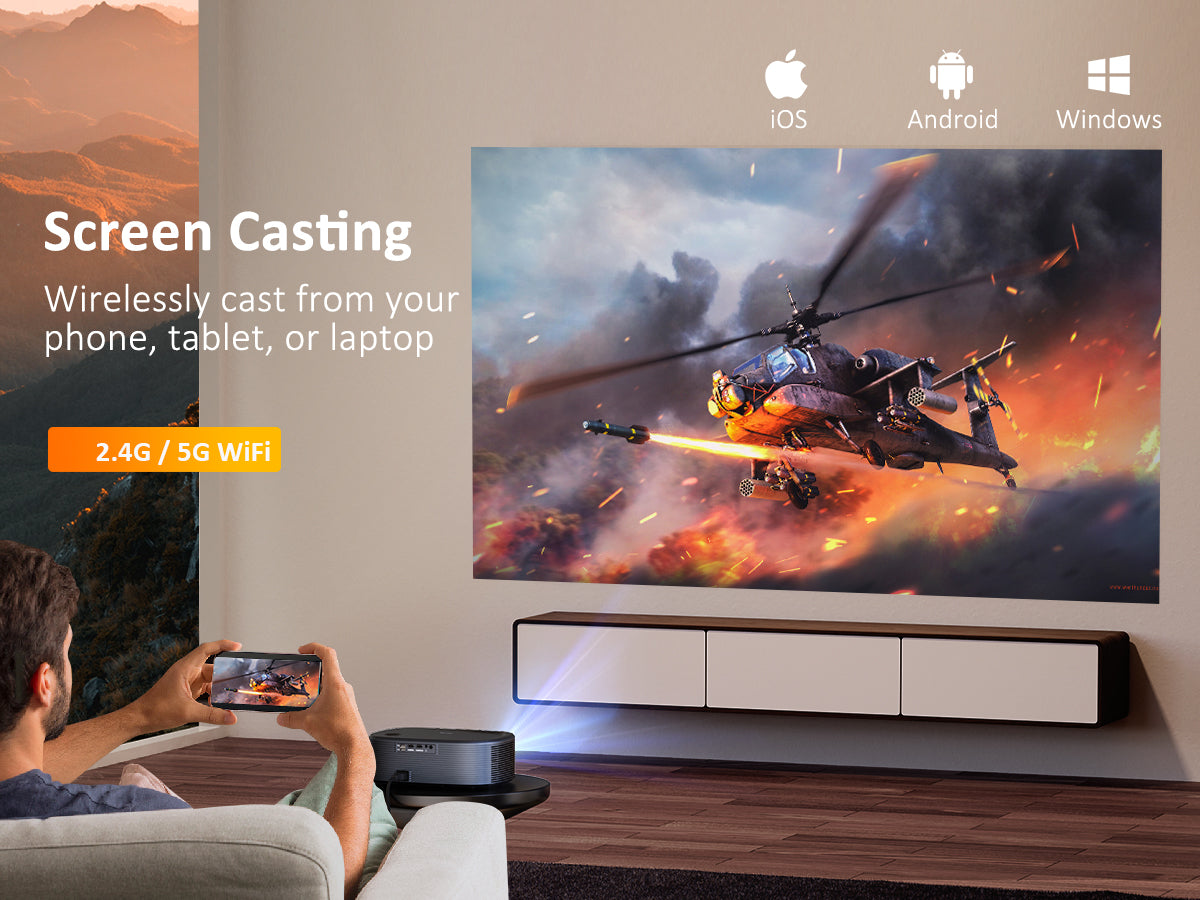
2:32 How do I cast wirelessly?
3:29 How do I display from a Windows device?
4:05 How do I connect a Bluetooth device?
4:22 How do I use the projector as a Bluetooth speaker?
4:48 How do I install apps?
5:17 How do I clean the air filter?
5:41 How do I clean the lens?
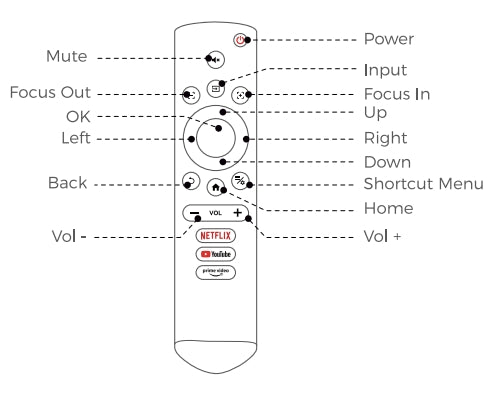
Power: Power the device on and off.
Mute: Toggles audio on and off.
Input: Switch between input sources.
Focus Out: Adjust the focal point to be further away.
Focus In: Adjust the focal point to be closer.
Left / Right / Up / Down: Navigates through the on-screen display.
OK: Selects the current option.
Back: Return to the previous screen.
Shortcut Menu: Display the shortcut menu.
Home: Return to the home page; wake the projector during standby mode.
Vol +: Increases the volume.
Vol -: Decreases the volume.
1. Please remove the 4 feet at corners on the bottom of the projector for mounting on the ceiling.
2. The projector's mounting holes are M4 x 9.7mm in size. The distance between these mounting holes on the back of the projector measures 10.9" diagonally, 8.6" horizontally, and 6.5" vertically. You could find a suitable ceiling mount based on these specifications.
Yes, the PJ30 Ultra system has been integrated with the official licensed Netflix, YouTube, and Prime Video apps. It is equipped with a Bluetooth remote. You can easily and quickly access this video app with one click.
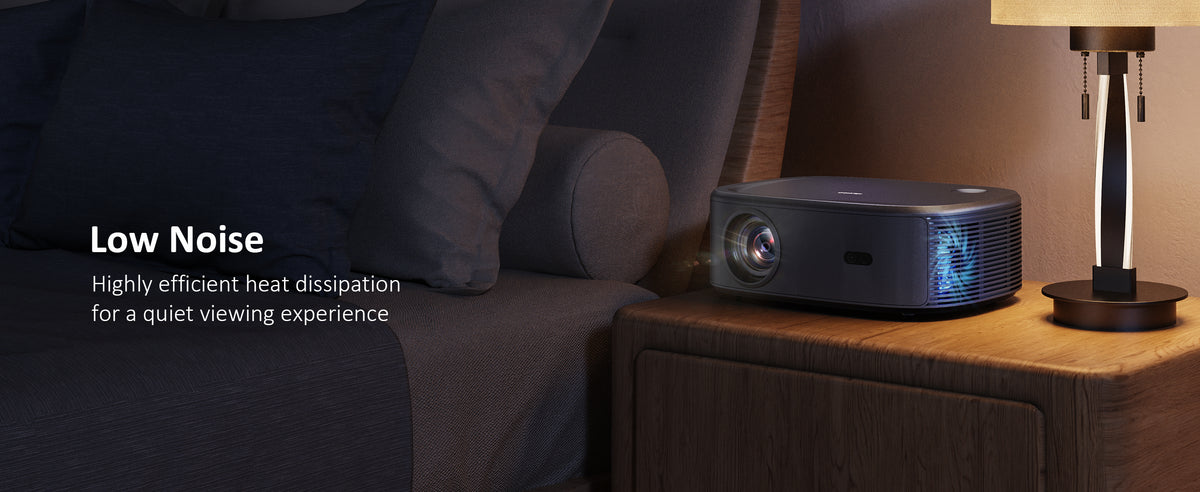
The projector's noise level depends on its proximity to you and the fan settings. However, the PJ30 Ultra projector has an exceptionally low fan noise. Fan noise is barely noticeable when you're watching movies.
Yes, the PJ30 Ultra features auto keystone correction and electronic focus, ensuring that you always have a clear and sharp image.
Firmware Upgrade Instructions :
IMPORTANT:
0. Unless you encounter network issues with the projector, we advise against using local updates. If necessary, contact our customer support at cs@nexigo.com for assistance with local updates.
1. Do not power off or attempt to use the projector during the update process.
2. The projector will be reset after the software update is complete, and all saved settings will be erased.
Step 1
In the on-screen menu, navigate to Setting and choose the Network option.

Step 2
Choose your wireless network from the list displayed below to connect your projector to Wi-Fi.

Step 3
Navigate to Settings from Setting > Upgrade > Online Update.
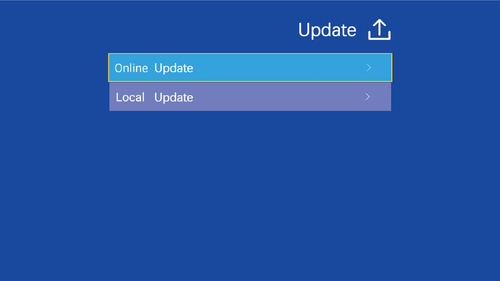
Please check online for available updates to download the latest firmware.
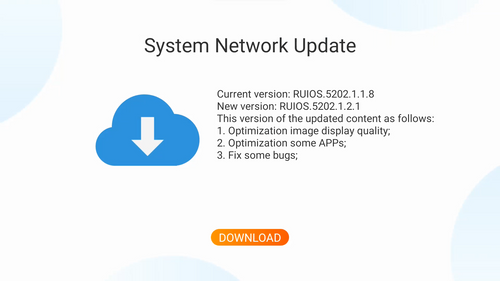
Step 4
The projector is now initiating the download of the latest firmware and updates.
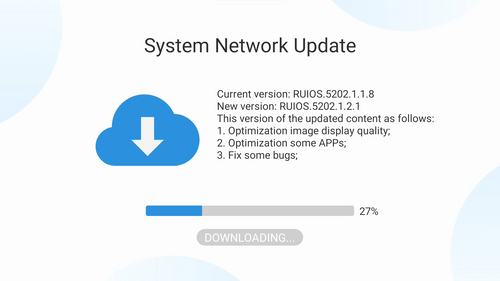
Note: Please make sure not to power off or try to use the projector during the updating. The projector will be reset after the software updates, all saved settings will be erased.
Unless you have issues with the camera, we don't recommend any firmware updates. If you are not sure about if updates are needed, please contact our customer support cs@nexigo.com.

Image Sensor
1/1.8" Sony® STARVIS 2 back-illuminated sensor
Resolution
(USB 3.0 Output)
MJPEG/H.264
3840 x 2160@30/25/20/15/10/5fps,
1920 x 1080@60/30/25/20/15/10/5fps,
1280 x 720@60/50/30/25/20/15/10/5fps, etc.
YUY2/NV12
1920 x 1080@60/50/30/25/20/15/10/5fps,
1280 x 720@60/50/30/25/20/15/10/5fps, etc.
Resolution
(HDMI Output)
30fps mode
3840 x 2160fps@30/25fps, 1920 x 1080@30/25fps
60fps mode
1920 x 1080@60/50fps, 1280 x 720@60/50fps
Lens
9-layer glass lens, f/2.2 aperture, 4.2 mm focal length
Field of View
D=90°/H=81°/V=55°
Focus Type
Fixed Focus
Focus Range
10" - 90" (0.25m - 2.28m)
Digital Zoom
Up to 10x digital zoom at 4K@30fps
Facial Enhancement
Support
Microphone
Dual noise reduction mics
Mic Pickup Range
Within 32.8ft (10m)
Video Output Port
1 x USB-B, 1 x HDMI
Software
Works with Zoom, Microsoft Teams, Skype for Business, Slack, Webex, and many more
Operating System
Windows 7 (Supports 1080p or lower),
Windows 8.1/10/11 or above
macOS 10.10 or above
Hardware
CPU: 2.4 GHz Intel Core 2 Duo processor or better
RAM: 2 GB or more
USB: USB 2.0, USB 3.0(Recommended)
Display
Imaging Technology
TFT LCD
Native Resolution
1920 x 1080
Light Source
LED
Max Supported Resolution
2560 x 1440 (via USB connection)
Projection
Projection Ratio
1.25:1
Focusing Mode
Auto focus
Projection Distance
4.43 - 17.39ft
Projection Size
44" to 200"
Keystone Correction
Automatic
Keystone Correction Angle
Vertical ±25°, Horizontal ±25°
Audio
Speakers
2 x 7W Speakers
Power
Power Consumption
199W
Power Input
100V-240V
About
Dimensions
11.3 x 10.79 x 4.8 inches (287 x 274 x 122mm)
Weight
6.24 LBS (2.83 KG)
Storage Temperature
-4°F-131°F (-20°C-55°C)
Working Temperature
32°F-104°F (0°C-40°C)
Operating Humidity
30%~85%